
E-commerce website cost: WooCommerce or Next.js, what actually drives the price
Moving off a marketplace into your own store, the cost isn't page count. It's infrastructure choice, variant handling, and marketplace sync. Here's where WooCommerce and Next.js actually diverge.
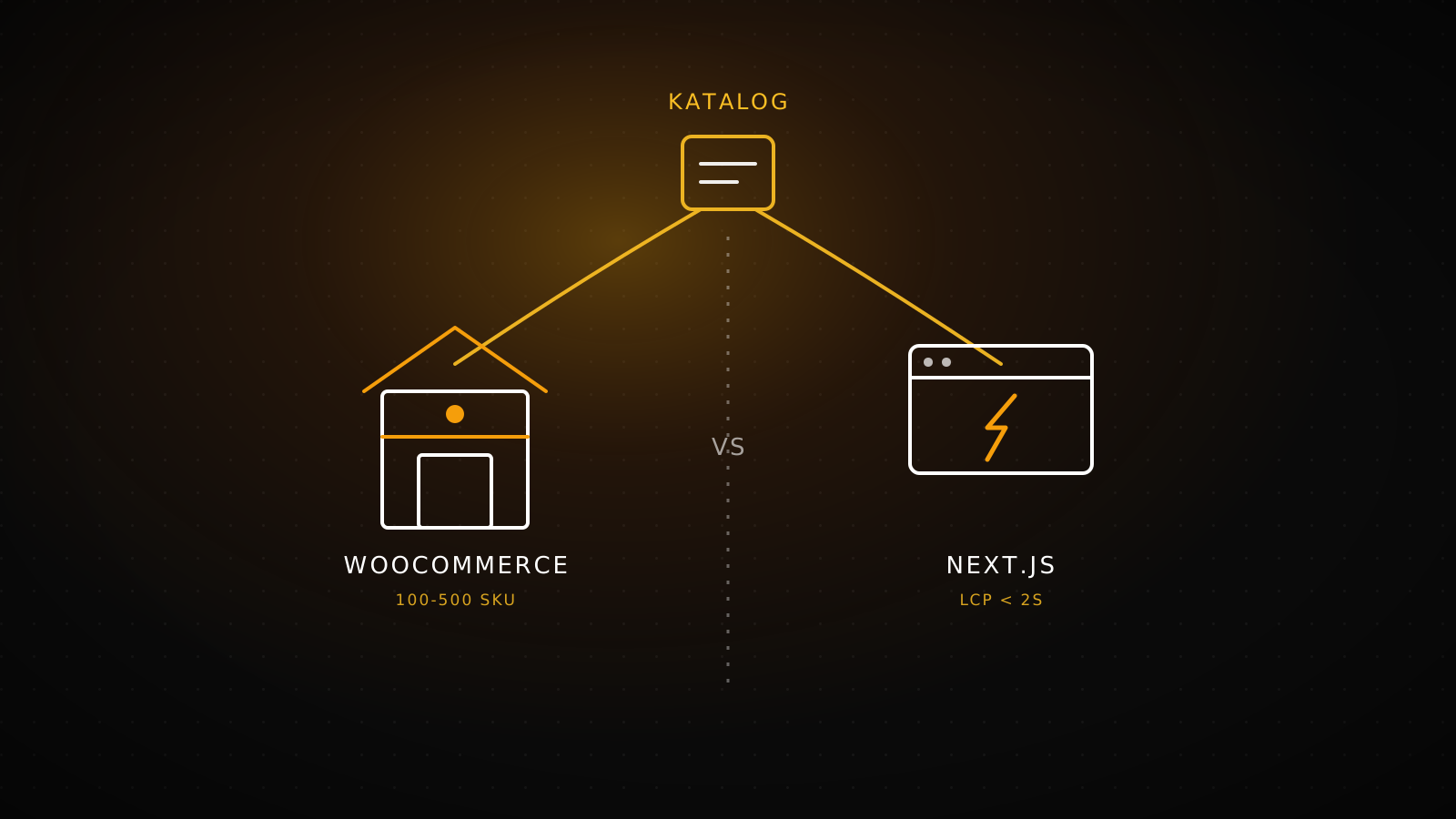
When a brand selling through a marketplace or Instagram decides to build its own store, cost isn't set by a single line item. It's the sum of the infrastructure choice (WooCommerce or Next.js), variant and stock handling, payment integration, and marketplace sync. A 300-SKU catalog tied to one marketplace stays on its feet on WooCommerce within weeks, while an operation that needs an ERP connection and three-marketplace sync shifts toward Next.js. What usually sends the number the wrong way isn't the price itself, it's an infrastructure choice that doesn't match the catalog's size.
Summary
WooCommerce starts fast on a ready foundation and runs well up to about 500 SKUs. If an ERP connection is mandatory, if you're syncing three or more marketplaces, or if performance isn't negotiable, custom Next.js is the right call. Built correctly, the gap between the two is an architecture decision, not a monthly subscription fee.
The real cost of moving off a marketplace into your own store
A brand selling through a marketplace pays commission, can't see its own customer data, and has to adjust pricing around the marketplace's own campaign calendar. Our breakdown of Trendyol's apparel commission rates shows exactly how much that takes per category. Selling through Instagram DMs means tracking orders, updating stock, and handling returns by hand. The cost of moving to your own site should be read against those losses, not as an abstract "professionalism" investment. A brand can grow without its own site, but it gets harder to grow without data ownership and margin control.
The decision usually isn't either-or. Most brands keep selling on the marketplace while opening their own site as a second channel, with stock kept in sync between the two; our piece on actually lowering Trendyol commission covers that cost-benefit math in more depth. The real question is which infrastructure that second channel runs on.
Infrastructure choice: where WooCommerce and Next.js actually diverge
Both build a production-grade e-commerce platform, but they diverge on which catalog size and integration load they handle best. The table below compares the real scope of each.
| Criterion | WooCommerce | Next.js (custom) |
|---|---|---|
| Catalog size | Ideal for 100-500 SKUs; runs at 3K+ too, but performance depends on hosting and caching discipline | Standard delivery up to 5K SKUs; larger catalogs and heavy ERP flows move into the LumiAutomate track |
| Performance architecture | WordPress plus theme, cache managed through plugins | App Router plus Redis cache; LCP under 2s is the target |
| Payment integration | iyzico, PayTR, Stripe, PayPal | iyzico, Stripe, PayPal, local gateways |
| Marketplace sync | Two-way stock sync with Trendyol, Hepsiburada | Trendyol, Hepsiburada, Amazon, eBay |
| When it fits | Budget is fixed, DIY updates are fine, deep customization isn't needed yet | ERP connection is mandatory, performance isn't negotiable, revenue is scaling |
WooCommerce's code ownership and flexibility come from the WordPress ecosystem. Next.js's performance ceiling and data-flow control come from a headless architecture. Neither is "better" on its own, each answers a different operational load.
How variant handling and marketplace sync scale with catalog size
For apparel and retail brands, the cost driver that actually grows isn't the infrastructure itself, it's variant handling. As size, color, and stock combinations multiply, the product schema gets more complex on both WooCommerce and Next.js; returns need to be tracked at the variant level, and consignment-based brands need a separate stock reconciliation layer.
Marketplace sync is the second cost driver that scales. Tied to one marketplace, two-way stock sync stays a single integration. Connected to two or three at once, the risk of stock drift compounds, and the sync logic needs to run from one central place, ideally tied to the ERP. This is where WooCommerce's plugin-based sync solutions start falling short, and a custom webhook architecture on Next.js produces a more reliable result.
Loom & Loop and Hiera: the same decision, two different outcomes
Two real projects show both ends of this decision. Loom & Loop, a Netherlands-based slow-fashion brand, prioritized a visual flow that showcases hand-knit texture and a lean checkout; it was built on WordPress plus WooCommerce, with newsletter automation and shipping integration automating everything after checkout. Hiera, a premium fixtures brand, needed a 3-language (TR/EN/ES) storefront, Stripe checkout, and a WooCommerce-level admin panel; that scope was custom-built on Next.js 16 and React 19.
2+ years
Luxiaojun Europe's uninterrupted operation on its WordPress e-commerce stack, with strong retention
3 languages
Hiera's Next.js 16 storefront ships TR/EN/ES with a WooCommerce-level admin panel
Automated
Loom & Loop's post-checkout newsletter and shipping flow runs on automation, not manual handling
Both are the right build, the difference is which tool served which goal. Loom & Loop's catalog and team shape fit WooCommerce's speed; Hiera's multilingual and corporate admin needs required custom development.
Which brand should pick which infrastructure
The decision comes down to two questions: how big is the catalog and integration load, and does the team have the technical capacity to run this infrastructure day to day.
Situation
Catalog under 500 SKUs, one marketplace, fixed budget, DIY updates are fine
Result
WooCommerce
Situation
Mandatory ERP connection, 3+ marketplace sync, performance isn't negotiable
Result
Next.js (custom)
Brands that land between the two have a middle path: start on WooCommerce and move to Next.js as the catalog and integration needs grow. That migration can preserve the URL structure, so the SEO equity doesn't get lost.
When this investment isn't needed yet
If monthly orders are still in the single digits and the product count is under 20, a dedicated store build may be premature. In that case, staying on the marketplace and treating commission as a customer acquisition cost works out cheaper than building a site and leaving it idle. A dedicated store starts making sense once marketplace volume grows and commission becomes a real, recurring line item.
Frequently asked questions
WooCommerce or Next.js, which is cheaper?
Starting cost is usually lower on WooCommerce because the WordPress ecosystem ships with ready components. Next.js's cost comes from custom development, but for projects that need performance and integration depth, it accumulates less technical debt over the medium term.
Which fits a catalog under 500 SKUs?
WooCommerce is usually enough and sets up faster at that scale. Without a real trigger for Next.js (ERP, multiple marketplaces, a hard performance requirement), custom development doesn't justify its cost at this size.
Is marketplace sync possible on both?
Yes, both can run two-way stock sync with Trendyol and Hepsiburada. With three or more marketplaces and an ERP in the mix at once, a custom webhook architecture on Next.js produces less drift.
Can you migrate from WooCommerce to Next.js later?
Yes. Products, orders, and customer data move over, and old URLs map to new pages to preserve SEO equity. A typical migration adds time on top of the new build.
Does payment infrastructure (iyzico, PayTR) work the same on both?
The integration point is the same providers (iyzico, PayTR, Stripe, PayPal); the difference is how the integration connects. On WooCommerce it runs through a plugin, on Next.js it connects directly through the API.
Which infrastructure to pick should be decided against your catalog's size a year from now, not today. Test your own situation with the e-commerce platform selector, and request a quote to scope either WooCommerce e-commerce or custom-performance Next.js e-commerce.