
How to lower your Trendyol commission rate: the honest answer
The commission rate itself does not move with a phone call. The real lever is growing the share of revenue that never pays it, with a real breakeven number.
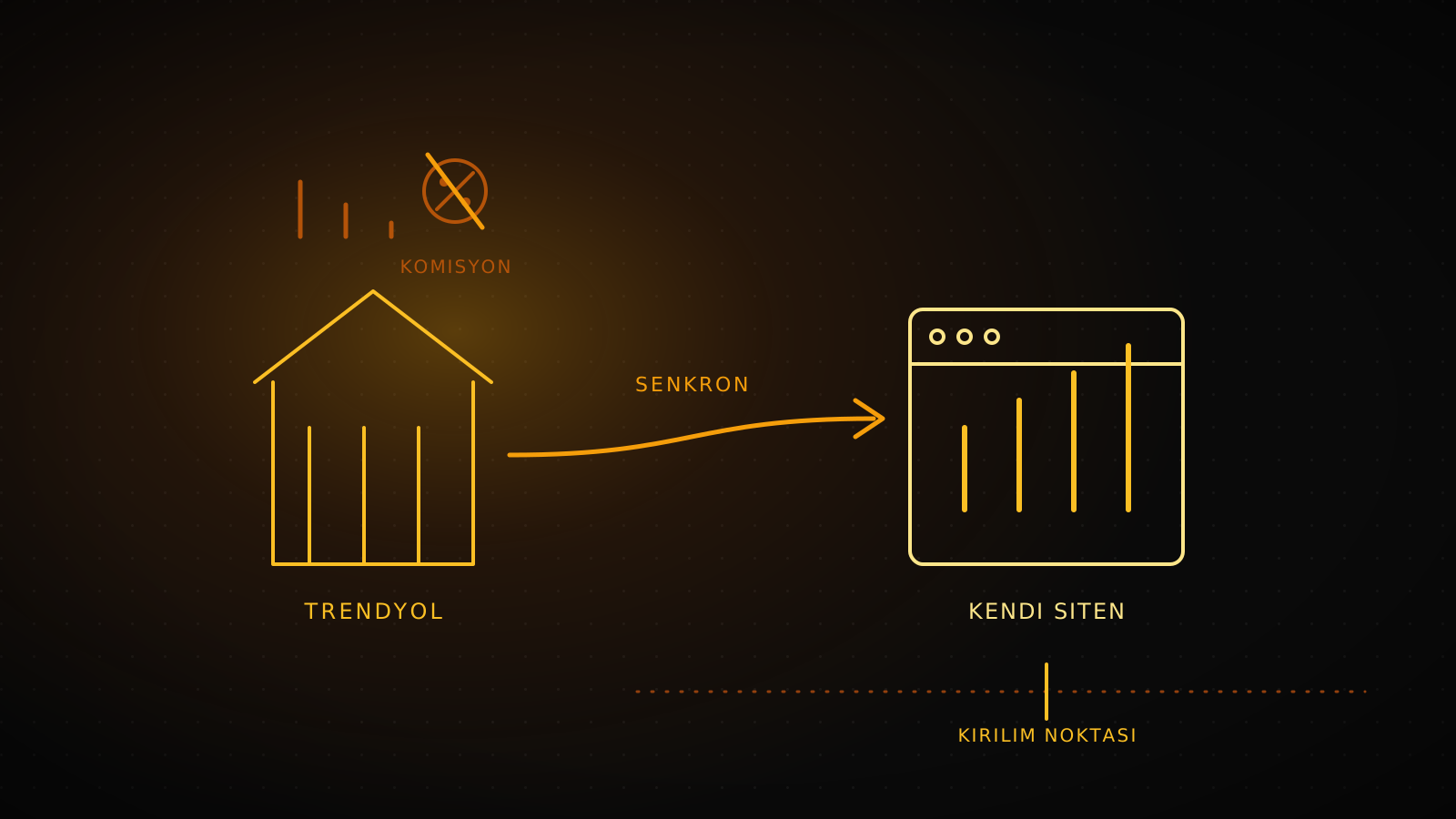
Trendyol's commission rate does not go down because you ask. The rate is set by Trendyol itself, by sub-category, brand, and seller tier, and the platform does not publish one single rate table you can point to and negotiate against. The lever that actually works is not the percentage: it is growing the share of revenue that never passes through that percentage at all, by selling more through your own store. This piece shows the revenue level where that shift pays off, and how to make it without pulling your listings off Trendyol.
Summary
Trendyol's commission rate varies by sub-category, brand, and seller tier, and it is not something an individual seller negotiates down. Stack the commission with the shipping cut and the ad budget cut, and a growing store pays a growing bill while the brand still belongs to Trendyol. The real fix is structural: grow the share sold through your own site. Lumiasoft's 12-month cost comparator shows your breakeven revenue, and the Trendyol integration and WooCommerce/Next.js solutions make the move partial or full without ever pulling your Trendyol listings down.
Why the commission rate itself will not move
Every Trendyol seller who asks us the same question starts from the same assumption: that the rate on their Seller Panel is somehow a quote, something a bigger order volume or a louder complaint can move. It is not. The rate is set by category (a different percentage for apparel than for electronics), adjusted by seller performance tier, and occasionally renegotiated at the brand level for large strategic accounts, not for an individual seller's monthly volume. Trendyol does not publish one master commission table precisely because the number depends on all three variables at once.
That structure explains why most "how to lower your Trendyol commission" advice online stops at packaging tricks and return-rate optimization: those move the effective cost by a point or two, not the rate itself. The honest answer to "how do I lower it" is that you do not. You change what share of your revenue is subject to it.
What the stacked cost actually looks like
The commission percentage is rarely the whole story on a seller's invoice. Three cuts stack on top of the same sale:
Three cuts on the same sale
1. Commission
Category and tier-based, set by Trendyol, not negotiable per seller.
2. Shipping cut
Fulfillment and return shipping, billed separately from commission.
3. Ad spend
Staying visible in-category costs a campaign budget on top.
The exact percentages depend on your category and your Seller Panel; the structure of three separate cuts on one sale does not change.
None of these three cuts are something a seller controls directly. What a seller controls is how much of next month's revenue depends on all three at once, versus how much comes through a channel where none of them apply.
What Lumiasoft has actually built: owning the channel and syncing with Trendyol
Lumiasoft builds both sides of this, because most brands need both at once, not an all-or-nothing switch. For Loom & Loop, a Netherlands-based slow-fashion brand, we built a WooCommerce storefront with newsletter automation and shipping integration, shipping at a 100 SEO score and 89 on desktop performance. For Hiera, a premium fixtures brand, the build is a Next.js 16 and Stripe storefront in three languages (Turkish, English, Spanish) with a WooCommerce-level admin panel covering products, variants, stock, orders, returns, and triggered emails, at 90 mobile / 98 desktop / 100 SEO on Lighthouse. On the marketplace-sync side, Truexim's international trade operation runs on a corporate site plus an intranet plus mail automation we built, at 96 mobile / 100 desktop / 100 SEO, and Luxiaojun Europe has run two uninterrupted years on the WordPress e-commerce and shipping automation stack we shipped, with strong customer retention.
The pattern across all four: an owned site that can carry the catalog and the brand, built to the same performance bar whether the platform underneath is WooCommerce or Next.js, plus (when a brand keeps a marketplace running alongside it) a sync layer that keeps stock and orders consistent instead of a second manual spreadsheet.
Finding your breakeven point
The question that actually matters is not "what percentage am I paying," it is "at what monthly revenue does owning my own site cost less than what I am paying Trendyol." That number depends on your real commission rate, your shipping cut, and a fixed monthly cost for running your own store, three inputs that are specific to your account and change over time.
Rather than publish a single illustrative number here and risk it being stale by the time you read this, run your own: the Trendyol vs. your own store cost comparator takes your revenue, your actual commission rate from your Seller Panel, and your shipping cut, and shows your 12-month Trendyol cost against LumiCare's real published monthly price, plus the exact revenue level where your own site starts winning. It runs entirely in your browser; nothing you enter is sent anywhere.
Setting up the sync without pulling your listings down
The breakeven math only matters if the operational side holds up, and most sellers who try this stall on exactly one problem: stock and orders split across two systems with nothing keeping them honest. Our Trendyol stock sync guide covers the full build: picking your ERP as the single source of truth, webhook-based order capture from Trendyol's Partner API, a diff-based stock push every 15 minutes, and a small dashboard that shows sync drift before a customer does. None of this requires taking your Trendyol listings down first. The two channels run in parallel from day one, and the revenue mix shifts only as fast as your own site earns it.
Dropping Trendyol entirely, or running both
Once the sync is live, the real decision is how far to take it. Most brands land in one of three positions:
| Position | Brand ownership | Customer data | Where it fits |
|---|---|---|---|
| Trendyol only | Stays with the marketplace | None, Trendyol owns it | Below your breakeven revenue, or testing a new category |
| Trendyol + own site | Split, growing toward you | Yours on direct-site orders | Past breakeven, discovery still runs through the marketplace |
| Own site only | Fully yours | Fully yours | Established brand with its own traffic and repeat buyers |
Almost no brand we have built for jumps straight to the third row. The middle position, running both while the sync stays invisible to the customer, is where most of this payoff actually gets collected.
When this move is not worth making yet
If your monthly revenue sits well under the breakeven point the comparator shows you, building your own store adds a fixed monthly cost you cannot yet offset, and the honest move is to stay on Trendyol and revisit the math once volume grows. The same applies if your catalog depends entirely on Trendyol's own traffic and you have no other way to reach buyers yet: an owned site without a way to drive people to it is a cost with no lever attached. This gets worth building once you have a repeat-customer base, a brand people search for by name, or a second channel (Instagram, export buyers, a physical store) that an owned site can actually convert.
Frequently asked questions
Can I negotiate my Trendyol commission rate directly with my account manager?
For most sellers, no. The rate is set by category and seller tier, not negotiated case by case. Brand-level renegotiation exists but applies to large strategic accounts, not an individual seller's monthly request.
Do I have to leave Trendyol to lower my effective cost?
No. The sync setup described above runs both channels at once. You shift revenue mix over time; you do not have to pull your listings down to start.
How accurate is the breakeven number from the comparator?
As accurate as the numbers you enter. It uses your actual commission rate from your Seller Panel and your real shipping cut, and compares them against LumiCare's actual published monthly price, not an estimate.
What if my category's commission rate changes after I calculate this?
Trendyol revises category tariffs periodically. Re-run the comparator with your updated Seller Panel rate whenever that happens; the breakeven point moves with it.
Does this apply if I sell on Hepsiburada as well?
The same structural logic applies to any marketplace commission. Our guide to fixing Trendyol and Hepsiburada integration errors covers running both marketplaces alongside your own stock source of truth.