
Bolt.new pricing in 2026: the token system and what it really costs a month
Bolt's own pricing page says 10 million tokens a month on Pro. That number means nothing on its own, because Bolt doesn't price by action, it prices by how much of your project it has to read. Here's what actually drives the bill.
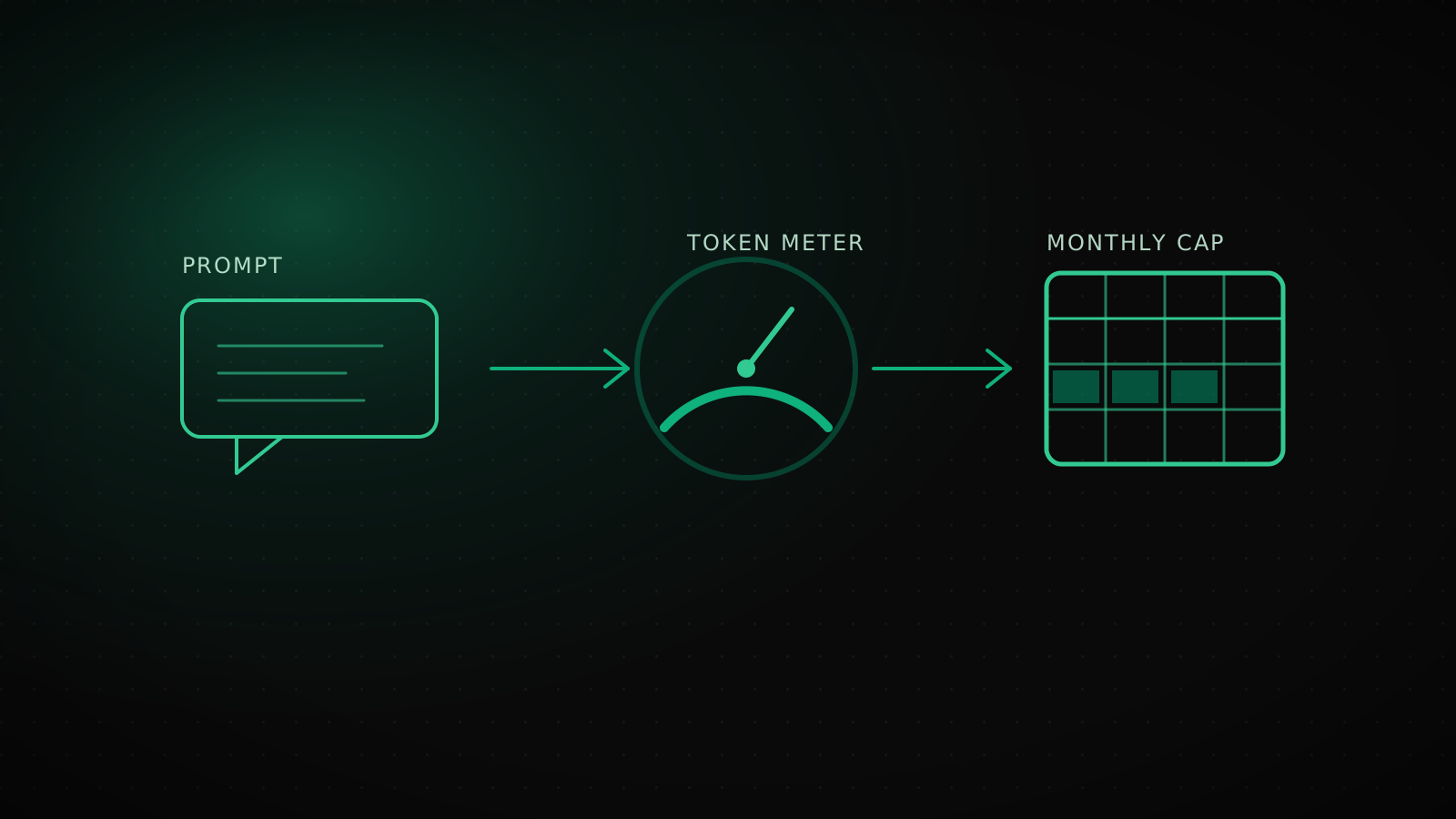
Bolt.new's own pricing page lists 10 million tokens a month on the Pro plan at $25. That number alone answers nothing, because Bolt doesn't meter a fixed cost per action the way some competitors do. It meters how much of your project it has to read, understand and sync on every single message, so the same prompt can cost very different amounts depending on what you're building. The plan price is not the cost. The cost is how big your project has gotten.
What Bolt actually charges: plans and token amounts, verified on build day
Sourced from bolt.new/pricing and support.bolt.new on 2026-10-15. Prices and limits change; re-check before you commit.
Free
$0
- 1M tokens/month
- 300K tokens/day cap, does not accumulate
- No rollover
- No credit card required
Pro
$25/mo
- 10M tokens/month
- No daily cap
- Unused tokens roll over one extra month
- Private sharing, custom domain, no Bolt branding
Teams $30/mo per member
Everything in Pro, plus centralized billing, team-level access management, admin provisioning. The pricing page does not state a separate per-member token number distinct from Pro's 10M.
Enterprise Custom
Everything in Pro, plus SSO, audit logs, compliance support, a dedicated account manager and 24/7 priority support. Token allocation and price are negotiated.
Both Pro and Teams list "save up to 28% with yearly billing." Neither plan page states an exact annual dollar figure next to that percentage, it's applied at checkout. Nothing above is Lumiasoft's estimate, it's a direct read of what the page and docs say on the date this was written.
What actually burns tokens: what Bolt's docs say, and what they don't
Bolt's own documentation states it plainly: "Bolt consumes tokens when it reads, thinks about, and builds your project," and "most of your token usage comes from Bolt reading, understanding, and syncing your project files, so larger projects use more tokens per message." The limit is conversation-level and counts both what you type and what Bolt writes back. Direct edits made in Code view, without going through chat, cost nothing.
- Plan mode costs less than Build mode. Plan mode just discusses, it doesn't touch your code. Build mode writes code on every prompt and spends tokens doing it.
- Built-in buttons are free. Publishing and restoring a version from history cost no tokens, prompting Bolt to do the same thing does.
- Active connectors add to context. Every enabled integration feeds more information into each message. Turn off what you're not using.
- Repeated "Attempt fix" clicks each spend tokens. Mashing it instead of reading the error burns balance for no gain.
- Large files cost more per message. Bolt's own prompting guide recommends splitting big files into smaller ones specifically to cut consumption.
What's missing from that list matters just as much: Bolt has never published a fixed token price per action, no official number for "a button color change" or "an auth flow," because there isn't one. Any article that hands you a specific per-prompt token figure for Bolt is giving you an estimate dressed up as a fact. The honest version of this answer is structural, not a lookup table: your bill tracks your codebase's size and how disciplined your prompting is, not a menu of fixed-price actions.
How your project's size sets the bill
Since Bolt scales cost with how much project context it has to process, the same ten prompts cost more as your codebase grows. Three rough bands, built from Bolt's own guidance above rather than invented multipliers:
This isn't a precise multiplier, Bolt has never published one. It's the direct consequence of a documented fact: context size drives cost, and a large project is more context on every single message regardless of what that message asks for. A one-line copy change on a 60-file app with three connectors enabled genuinely costs more than the identical change on a five-file prototype.
How many days Free actually buys you, and what Pro changes
The free plan's two numbers look generous side by side, 1M tokens a month and a 300K daily ceiling, until you do the arithmetic Bolt doesn't do for you: four days at the daily maximum is 1.2M tokens, which already clears the entire monthly pool. The daily cap almost never binds first. The 1M monthly pool is the real wall, and it closes fast for anyone building at a steady pace rather than lightly across the month.
None of that is Lumiasoft's guess, both rows come straight from the numbers on Bolt's own pricing and docs pages; the "~3.3 days" line is just 1,000,000 divided by 300,000. What it means in practice: Free is for evaluating Bolt or shipping something small, not for a real build month. The moment you're touching the project daily for more than a few days a week, Pro's removal of the daily throttle matters more than the 10x token jump on its own.
How rollover actually works: the two-month FIFO rule
Since July 1, 2025, unused tokens from a paid subscription roll over for one additional month, so a monthly grant stays spendable for up to two months from when you received it before it expires. When you spend tokens, Bolt draws down the oldest bucket first, so a rolled-over balance from last month gets used before this month's fresh grant. Free plan tokens never roll over, a quiet reset every night and every month regardless of what's left.
What happens when tokens run out, and what a reload actually costs
On Free, hitting the daily cap doesn't lock you out of the editor, you can keep making direct code edits for free; building through chat waits for the next daily reset or a plan upgrade. Running out of the monthly 1M pool mid-cycle means waiting for the next cycle, even if you cancel. On Pro and Teams, Bolt lets you buy a token reload, but the price per reload is plan-dependent and shown only when you go to buy one in-app, there's no published flat rate like "$X per million" sitting on the public pricing page. The one thing the docs do confirm is that reload tokens, unlike your monthly grant, never expire. If a project's codebase has grown past the point where "attempt fix" spam and un-split files are a rounding error, that's also usually the point where accidentally losing the whole project, not just running dry on tokens, becomes the bigger risk worth planning for.
Which plan actually fits which kind of user
Free makes sense for trying Bolt out or for a genuinely small one-off, not for anything you'll touch most days. Pro is the plan for one person building steadily, where the no-daily-cap change matters more than the raw 10M number. Teams earns its $30-per-seat premium through centralized billing and access controls once more than one person needs to work in the same account, not through a bigger token pool, since the page never promises one. Enterprise is a compliance and support conversation, not a token conversation, and the right call if SSO or audit logs are the actual requirement. If you want to run your own numbers against a real month of building rather than Bolt's headline figures, Lumiasoft's vibe coding cost calculator takes the inputs instead of guessing them. For a side-by-side of what Bolt and Lovable each leave you holding past the pricing page, our Lovable vs Bolt.new comparison covers the rest of that decision.
Where this math stops being the point
If you're past the Pro ceiling every single month no matter how disciplined your prompting gets, or splitting files and turning off connectors buys you a few days and nothing more, the token meter has already told you what it's for: it's measuring how much of a real application you're running through a tool built for getting to a working demo fast. That's a different problem than picking a bigger plan, and it's the point where Lumiasoft's AI project takeover work starts, not a pricing page.
Frequently asked questions
How much does Bolt.new cost a month?
Free is $0 for 1M tokens monthly, capped at 300K a day. Pro is $25/month for 10M tokens with no daily cap. Teams is $30/month per member with everything in Pro plus admin features. Enterprise is custom. Sourced from bolt.new/pricing on 2026-10-15.
How many tokens does one prompt cost in Bolt.new?
Bolt has not published a fixed per-prompt token price. Cost scales with how much of your project it has to read and sync on that message, so the same prompt costs more on a larger codebase. Treat any specific number you see elsewhere as an estimate, not an official figure.
Do unused Bolt.new tokens roll over?
On paid plans, yes, for one additional month, so a grant is spendable for up to two months total, oldest tokens spent first. Free plan tokens do not roll over.
What happens when I run out of tokens on Bolt.new?
On Free, you can keep editing code directly for free; chat-based building waits for the next daily reset, the next monthly cycle, or an upgrade. On Pro and Teams, you can buy a reload at a plan-dependent price shown at purchase; reload tokens don't expire.
Is Bolt.new Teams more tokens than Pro?
The pricing page doesn't say. Teams is priced per seat and documented as "everything in Pro" plus admin and billing features, with no separate token number stated for the plan itself.
Run the size-and-cadence read above against your own project before picking a tier, since the gap between Free running dry in days and Pro running comfortably is about your codebase's size and your prompting habits, not which plan looks bigger on the page. And if the token meter itself has become the monthly surprise no matter which plan you're on, that's the signal worth acting on.