
Lovable vs Bolt.new: which one leaves you more cleanup
Both tools ship the same demo in three minutes. The difference shows up two weeks later, the day you inherit the codebase. Here's what actually differs, and a handoff checklist that works for either.
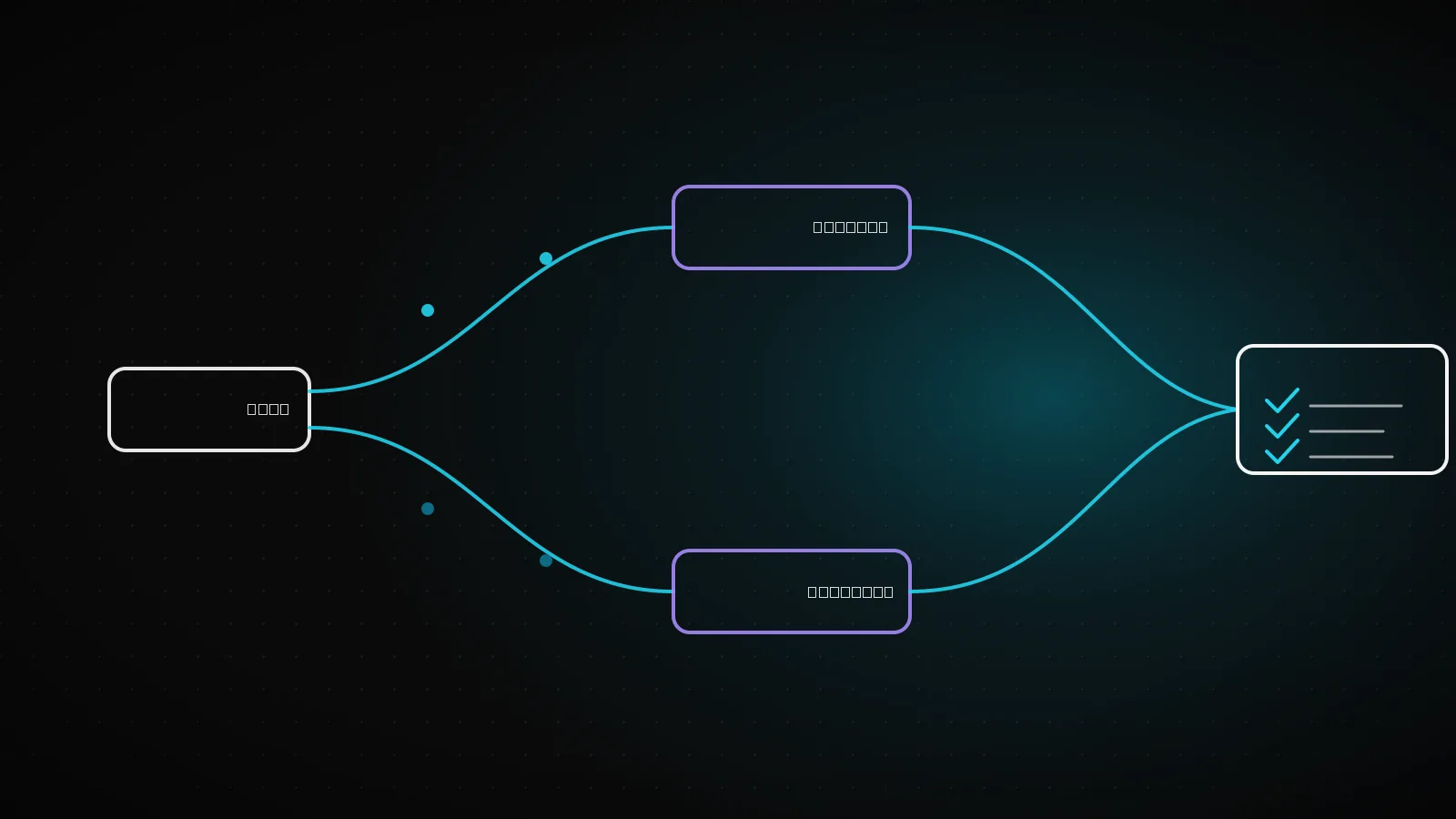
Lovable and Bolt.new produce the same demo in the same three minutes: the login form works, the list populates, the checkout screen renders. That moment doesn't show the difference. The difference shows up when you inherit the codebase, days or weeks later, and have to move it to production. This isn't a "which is better" piece. Whichever one you picked, here's what actually differs underneath, and a checklist that works no matter which tool built it.
TL;DRLovable defaults to its own Cloud backend or a connected Supabase project, and secrets stay server-side either way. Bolt.new creates its own database automatically, configures auth through a dashboard panel, and syncs to GitHub two-way, polling every 30 seconds. Neither difference makes one tool "safer" out of the box. What determines how long the handoff takes is whether you run the checklist below, not which logo is on the tool.
Why both feel equally fast in the demo
The model behind either tool is solving one job: produce something that works on screen in the next few seconds. It picks the shortest path to a rendering login form and a populated list, and the shortest path usually means a permissive default: a database role that can read and write everything, an auth flow with no edge cases handled, a webhook with no signature check. None of that is visible while you're clicking through the preview. It becomes visible the moment a second developer, or a real user, touches the app.
This is true of both tools because it's a property of the underlying approach, not of either company's engineering choices. An LLM optimizing for "the demo works" and an LLM optimizing for "the demo works securely" are different jobs, and today's builders are tuned for the first one.
Code output: project shape and how it gets out
Both hand you an ordinary npm project when you're done, not a black box. Where they differ is what ships alongside the code and how you get it onto your own machine.
Lovable's export
supabase/migrations/.Bolt.new's export
The practical read for a handoff: Bolt's continuous sync means the commit history in the repo is a real incremental log you can bisect through to find when something broke. Lovable's connection is two-way as well, but the documented failure mode is specific and worth checking for immediately: if a previous developer disconnected and reconnected GitHub at any point, the history split there, and the "old" repository link never comes back. Check the repo's first commit date against the project's actual start date. A mismatch tells you a reconnect happened, and there's history you're missing.
Auth, database, and GitHub sync: who leaves more manual work
Lovable's built-in Cloud backend is enabled by default, so most projects never need a separate Supabase account. Under Cloud or a connected Supabase project, secrets are stored server-side and read by edge functions; they never appear in your app's code or repository, per Lovable's own documentation. When a feature needs an API key, Lovable prompts for it through a secure input and stores it accordingly. That much is consistent whichever backend the project uses.
Bolt.new's database is created automatically when your project needs one. Authentication is built in and configurable through a dashboard panel: email confirmation, password reset, Google sign-in are documented as available options. There's a dedicated Secrets section under Database settings for credentials. What the documentation doesn't spell out, at least not in the pages we could read, is the exact mechanics for custom roles or SSO, so treat that as a research item during handoff rather than an assumption either way.
Neither tool's default setup is more or less secure than the other on paper. Both route secrets away from the client by design. What determines the real exposure is the same five checks regardless of which tool built the app: RLS or equivalent row-level access control enabled and policy-correct, no service-role-equivalent key shipped to the browser, storage buckets private by default, authorization checked server-side and not just hidden in the UI, and payment webhooks signature-verified. Our breakdown of what Lovable and Bolt apps leave exposed walks through testing your own project against all five in 15 minutes.
Which task needs less cleanup, by task type
"Which tool is better" isn't a single answer. It splits by what you're building. The table below is what the sourced defaults above actually imply for four common task shapes, not a benchmark either tool was run against.
A tool-agnostic handoff checklist
Six steps, in the order that actually saves time. None of them depend on which tool produced the code.
Check the repo's commit history against the project's real start date
A short history on an old project means a reconnect happened somewhere and part of the story is missing.
List every table and confirm row-level access control is on, with a real policy
A table with no policy at all is often worse than one with a wrong policy: at least the wrong one is a decision someone made.
Grep the shipped JS for anything shaped like a privileged key
Same test regardless of backend: pull the compiled chunks, search for a token that decodes to an elevated role.
Write down which env vars the code reads, and which are actually set
The gap between the two is exactly what breaks on first local run, minutes after you feel done.
Test every webhook with a real signature check, not a happy-path click
Payment and auth webhooks are the two that quietly ship with no verification in both tools' fast paths.
Actually run a database restore once, before you need one for real
A backup existing and a backup being restorable are different claims. Only one of them is tested by trying.
When this comparison doesn't matter
If the project has no real users and no data worth keeping, none of the above is urgent. Rebuild it clean, in whichever tool you like, and treat the handoff checklist as a learning exercise instead of a deadline. The comparison starts to matter the moment money moves through the app, real user records exist that can't be lost, or someone other than the original builder has to keep it running. That's a different job than picking a tool, and it's usually a code review first, not a rewrite.
The tool isn't the decision that matters
Lovable and Bolt.new solve the same first three minutes differently in the details and identically in the outcome: a demo that works and a production path that doesn't exist yet. Pick whichever fits how you like to work, Lovable's Cloud-first flow or Bolt's browser-native WebContainer setup, and stop treating the choice as the hard part. The hard part is the six-step list above, and it's the same list either way. If the codebase is bigger than you want to read alone, our AI project completion work starts exactly there: a code review first, so what exists and what's dangerous is clear before any scope gets promised.
Frequently asked questions
Is one of these tools objectively more secure?
No. Both route secrets server-side by design and both default to permissive access patterns that need a manual review pass. The gap isn't in the tool, it's in whether someone runs the checklist afterward.
Can I move a project from Lovable to Bolt.new, or the reverse?
You can move the code, since both export to a standard framework project. You can't move the hosted backend automatically: the database, auth users, and secrets are tied to whichever platform created them, and migrating those is manual work either direction.
Does Bolt.new's database run on Supabase under the hood?
We couldn't confirm that from Bolt's own documentation, and we're not going to guess. Verify the actual engine and its access-control model directly in the project you inherit, rather than assuming it matches Lovable's stack.
Which one ships an MVP faster?
For the first working demo, both are close enough that the difference won't decide your timeline. The six-step handoff list is where the real time goes, and it's identical in size for either tool.
I already picked one and I'm mid-project. Should I switch?
Almost never just for this reason. Switching costs you the backend you'd have to rebuild anyway, for a difference that the checklist above already closes regardless of which tool you keep using.