
Dental clinic website examples: 5 elements that actually matter
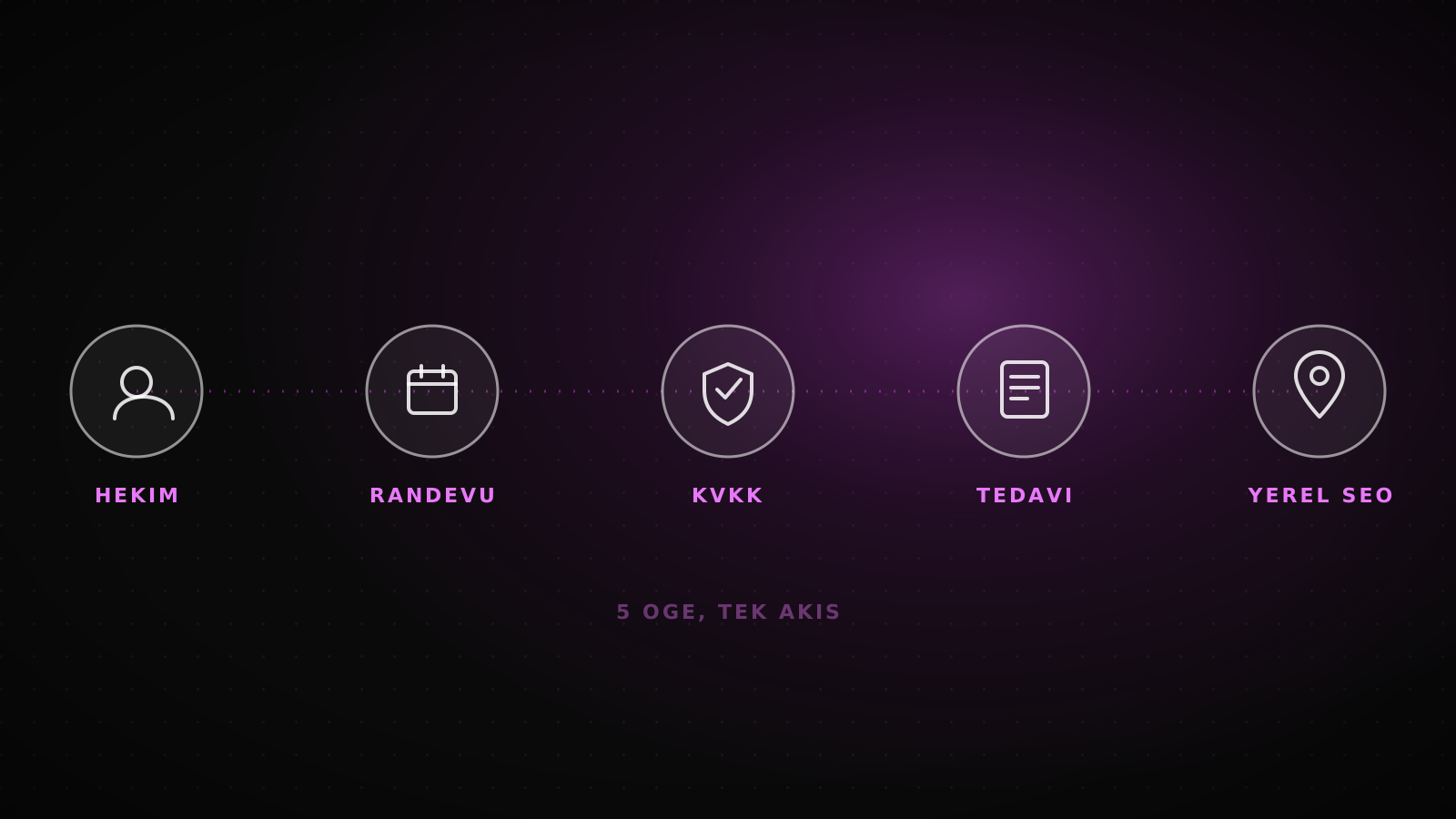
A patient landing on a dental clinic site isn't judging the design first: they're checking if the doctor is real, where the booking button is, and who sees their data. Five elements, real projects, the regulation articles behind each one.
A patient who lands on a dental clinic site from a search result isn't judging the design first. They're checking three things: is this doctor real, where's the booking button, and who sees the data they're about to type in. Miss any of the three and the tab closes, which is a lost patient and an empty chair that day. The answer sits in five concrete elements: a doctor profile, a booking flow, a visible link to the KVKK consent notice, a treatment page that fits the regulation, and local SEO.
Summary
Five elements actually move a dental clinic site's conversion: a doctor profile, a booking flow, a link to the KVKK consent notice, a treatment page that fits Turkey's health-advertising articles 4 and 5, and local SEO. Generic template galleries (Wix, Weblium, Behance-style) rarely show any of these, because the regulation governs what a Turkish clinic site can and can't display. Below is how each one plays out on a real project, with the exact article behind it.
What a patient is actually checking in the first 3 seconds
A patient who clicks through from a search result looks for the doctor's photo and title first; without it, the site reads as a template rather than a real clinic. Second is booking: a button that computes availability, or a phone number to remember and call later. Third is where their data goes once they start typing into a form; no visible consent link and the form gets abandoned halfway. A generic template gallery rarely shows all three together, because galleries sell a look, not a flow.
5 elements: doctor profile, booking flow, KVKK link, treatment page, local SEO
Each one answers a specific question sitting in the patient's head before they book anything:
What the site needs, and which question it answers
Doctor profile
Title, specialization, working days: what Article 4(1-ç) allows, including academic titles.
Booking flow
A no-account button that computes real availability, not a phone number.
KVKK consent link
Visible next to the booking form, not buried in a generic privacy page.
Treatment page
What it is, who it suits, a booking button; no price or "best" comparative claim.
Local SEO
The name, address and phone (NAP) on Google Business Profile matching the site exactly.
How the doctor profile and booking flow work on a real project
For a hair studio in Denizli, the booking flow built lets the customer pick the service, specialist, day and time themselves, leave a name, phone and email, and get the appointment confirmed on the spot. No account, no password, no staff approval. The same logic carries to a dentist by changing service duration and working hours; the doctor profile page carries the button into that flow, not into a separate contact page.
0
Account or password required to book
24 h
Lead time on the automatic reminder before the appointment
Source: the Enes Kaplan Hair Artist booking flow and the FK Optik corporate site.
What a generic template gallery skips, and what a compliant site shows
Most results for "dental clinic website examples" are generic design galleries on platforms like Wix, Weblium or Behance: they show a nice homepage, but none of them explain how Turkey's health-advertising regulation, in force since 12 November 2025, limits what a clinic site can actually display. That gap is the difference between picking a template that gets rewritten by a lawyer later and building a site that's compliant from the first page.
| Element | Generic template gallery | Compliant clinic site |
|---|---|---|
| Doctor information | Stock photo, no name | Real photo, title, specialization (Article 4(1-ç)) |
| Booking | A "contact us" form | A no-account flow that computes availability |
| KVKK | Usually absent or a generic template | A visible consent notice link next to the form |
| Treatment page | Price or "best" framing | No price, per Article 5(1-m); informational only |
| Local SEO | Not part of the design | NAP matching built in from the start |
Building the treatment page and the KVKK link together
Within what Article 4 allows, each treatment should sit on its own page: what it is, who it suits, a booking button. Article 5(1-m) bans writing price or discount information on that page, so its job is to inform and route to booking, not to sell on a number. Once the booking form on that page starts collecting data, Article 10 of Law No. 6698 requires a disclosure notice covering five elements to be visibly linked to the form; we walked through exactly how to write that notice in our KVKK guide. A treatment page that skips this link looks finished but isn't.
Local SEO and technical trust: NAP matching and page speed
The element generic galleries skip last is local search. Matching the name, address and phone (NAP) on Google Business Profile exactly to the doctor and treatment pages is the cheapest lever for getting those pages found in searches like "dentist [district name]"; get that mismatch wrong and design quality doesn't compensate. Page speed sits in the same trust chain: FK Optik's corporate site runs at 100/100 on Lighthouse for both mobile and desktop, which means a patient arriving on mobile data reaches the booking button without waiting on the page to load.
When these 5 elements aren't fully needed yet
For a single-practitioner clinic with patient volume still in the tens, the full complexity of a booking flow may not be needed in the first phase; setting up the doctor profile and the KVKK notice first and leaving booking automation for a second phase is an honest sequencing choice, not a missing feature. Compliance, KVKK and the advertising limits, is never optional at any size; only the timing of booking automation shifts. A clinic with more than one doctor, patients from abroad, or minors seen as patients is usually cheaper building all five at once than adding them piece by piece later.
Frequently asked questions
Does a dental clinic site need a doctor photo?
Not legally required, but it's the single element that most affects a patient's trust decision; Article 4(1-ç) allows sharing academic titles and specialization.
Is a contact form the same as a booking flow?
No. A form drops a message in an inbox and nobody confirms it. A flow computes availability and confirms the appointment on the spot.
Why can't a treatment page list a price?
Article 5(1-m) of the regulation in force since 12 November 2025 bans price, discount and campaign information in health service delivery, and that applies to treatment pages too.
Where should the KVKK link go?
Next to the booking form, not buried inside a separate privacy page; the notice needs to be visible from the moment the form starts collecting data.
What's the cheapest local SEO move?
Matching the name, address and phone on Google Business Profile exactly to the site; get that mismatch wrong and nothing else compensates for it.
These five elements get built together under a corporate website scope. For what sets the price on that scope, see the dental clinic website pricing guide; for the order booking and KVKK should actually follow, see the clinic website compliance guide. The missed-appointment cost calculator turns your own patient volume and session price into a monthly number.
Let's talk about what you want built.
Tell us what you want to build and we will work the scope out together.
Ask an AI about Lumiasoft
The question is ready. Let the tool read the site and answer for itself.


