
Cursor vs Claude Code vs Windsurf: a 2026 comparison from a real repo
Windsurf isn't a separate brand anymore, its own pricing page now redirects to devin.ai. Here's what actually differs between the three, checked from inside a real production repo instead of a benchmark table.
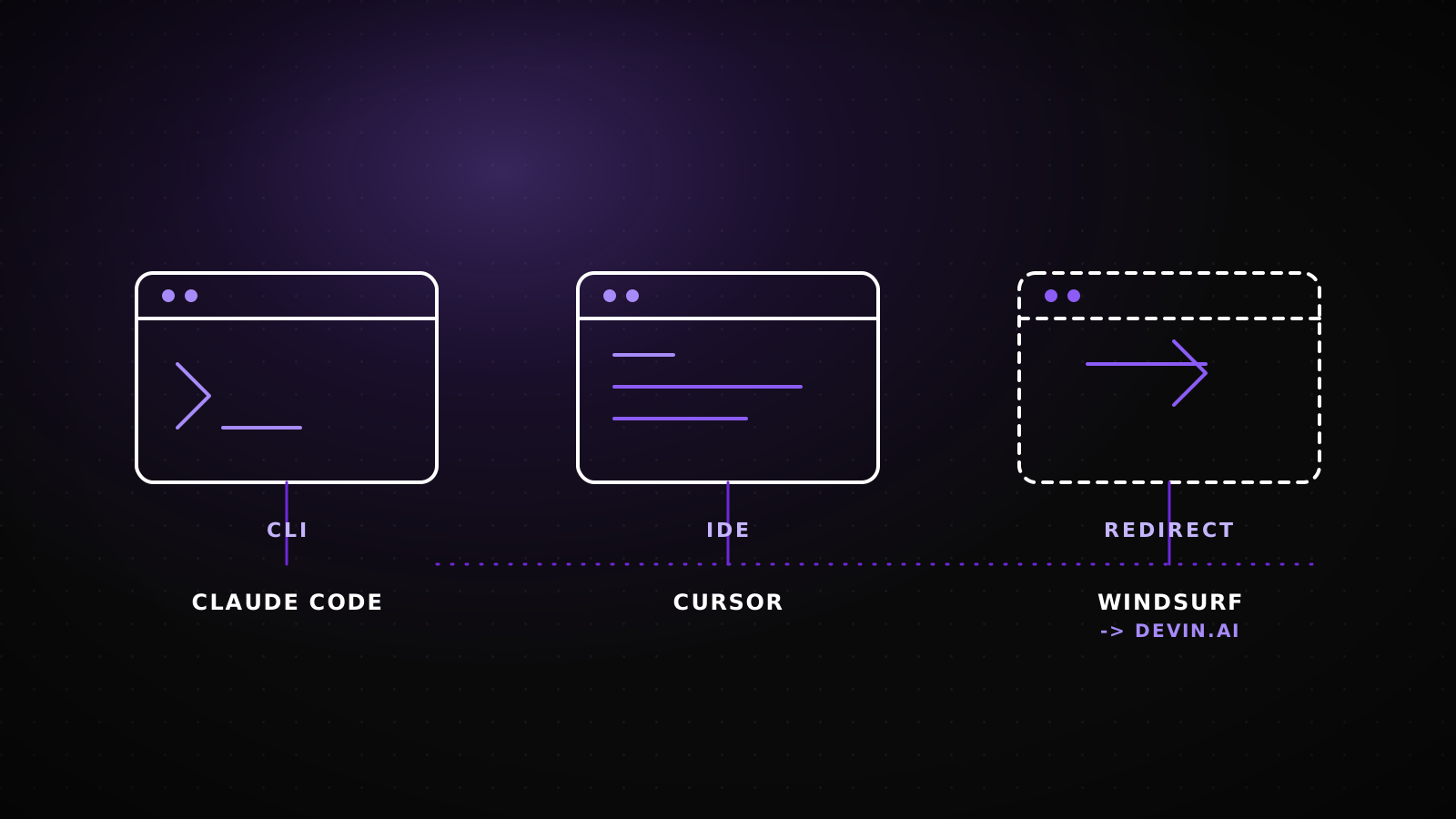
Windsurf isn't the tool you think you're comparing anymore. As of this writing, windsurf.com's pricing page returns a 308 redirect to devin.ai/pricing, and the root domain redirects to devin.ai/desktop. Cognition's own docs confirm it in plain language: the product formerly called Windsurf is now Devin Desktop, and its agent is now called Devin Local. That changes the question. What's left to compare is a terminal-first agent, an IDE with adjustable autonomy, and a desktop app that used to have a different name. Here's what actually differs, sourced from current docs and from the repo this article shipped through.
TL;DRWindsurf no longer exists as an independent brand: its site redirects to devin.ai, and its agent is now "Devin Local," not "Cascade." Claude Code is a CLI-first agent that also runs as an IDE extension, a desktop app, and in the browser, with sub-agents and CLAUDE.md memory built in. Cursor is an IDE where you dial autonomy up or down yourself, from inline edits to full Agent mode to Cloud Agents. Pricing isn't shaped the same way either: Claude Code rides inside Claude's usage-pooled subscription, Cursor sells per-seat tiers with its own agent-request limits, and Devin's current numbers weren't fetchable at publish time because the site rate-limited repeated requests, check devin.ai/pricing directly. This guide itself was built by Claude Code, in this site's own repo, which is disclosed below as exactly what it is: one data point, not a benchmark.
All three call themselves "agentic," and don't mean the same thing
"Agentic coding tool" is the term all three use for themselves, and it's doing different work in each case. Claude Code's own docs describe it as a tool that "reads your codebase, edits files, runs commands, and integrates with your development tools," available in the terminal, an IDE, a desktop app, and a browser. Cursor frames the same idea around autonomy you control: "In Cursor, you can do Cmd+K for targeted edits, or let it rip with the full autonomy agentic version." Devin Desktop's docs describe "Devin Local" as "our next-generation agent harness, shared with Devin CLI," that runs on your machine as the primary local agent. Three different products, three different defaults for how much you hand over before you look again. All three also assume you're touching an existing codebase, which puts them in a different category from zero-to-demo app builders like Lovable or Bolt.new; we covered that comparison separately in Lovable vs Bolt.new.
Windsurf isn't where you think it is anymore
If you're searching "windsurf pricing" or "windsurf vs cursor" right now, the tool at the other end of that search has changed hands and names since most of what's written about it went live. windsurf.com/pricing sends a 308 Permanent Redirect to devin.ai/pricing. The bare domain sends a 308 to devin.ai/desktop. Cognition's documentation states it directly: "The repository URLs still use the pre-rebrand windsurf naming, but the package is now called devin-desktop." The agent you'd have called Cascade a year ago is documented today as Devin Local, "shared with Devin CLI," reachable through a chat panel that can "chat, write code, and run code" and can "create brand new projects."
What a request to windsurf.com actually returns
GET /
Location: devin.ai/desktop
Product name: "Devin Desktop." Agent: "Devin Local."
Same redirect shape on /pricing: a 308 straight to devin.ai/pricing. Checked directly against the live domains while writing this, not carried over from an older post.
Practically, this matters more than a rename usually would. If your team already standardized on "Windsurf" in an internal wiki, an onboarding doc, or a procurement request, that document now points at a URL that no longer describes the product you're buying. Budget five minutes to update the reference before someone on your team goes looking for a renewal invoice under the old name.
Terminal-first vs IDE vs desktop app: the architecture decides the workflow
The three don't just differ in branding, they differ in where they physically sit relative to your code.
Claude Code
CLAUDE.md file at the start of every session for project-specific rules, and builds its own memory of what it learns as it works.Cursor
Devin Desktop (was Windsurf)
devin-desktop even though repo URLs still say "windsurf."Pricing reads by usage limit, not by the number on the page
Comparing sticker prices across these three tells you less than comparing what actually runs out first. Claude Code isn't billed on its own; it rides inside a Claude subscription and shares that plan's usage pool with chat and the desktop and mobile apps. Pro runs $20 a month, or $17 a month billed annually, and includes Claude Code. Max starts at $100 a month with a choice of 5x or 20x the usage of Pro. Team seats include Claude Code and Claude Cowork: a Standard seat is $20 a month annual or $25 monthly, a Premium seat is $100 annual or $125 monthly with roughly 5x the usage of Standard. Heavier workloads can add pay-as-you-go API credits through the Console on top of any plan.
Cursor's structure is per-seat with its own agent-request ceilings rather than a shared pool. Hobby is free with no card required, but Agent requests are limited. Individual is $20 a month with extended Agent limits and access to frontier models. Teams is $40 per user per month and adds centralized billing, a shared team marketplace, Cloud Agents with shared context, Bugbot code review, and SSO. Enterprise is custom, with pooled usage across the org and invoice billing.
Devin's current numbers weren't something this run could responsibly report: devin.ai/pricing returned repeated 429 rate-limit responses while writing this, and inventing a number to fill the gap would be worse than leaving it out. Check devin.ai/pricing directly before budgeting for it. If you're stacking up a monthly AI-tooling bill across a small team, our vibe coding cost calculator adds seats and usage tiers for you instead of a spreadsheet.
This guide itself came out of Claude Code, inside a live client repo
One honest data point instead of a rented benchmark: this article was drafted, fact-checked against the live docs cited above, and shipped as a pull request by Claude Code, running inside lumiasoft.com's own Next.js repository, through the same CLAUDE.md-and-terminal workflow described above. It read the site's existing guides for voice and conventions, fetched the current Cursor and Devin documentation directly rather than from training memory, and opened the branch this post ships on. That's a real, checkable example of the terminal-first workflow in the architecture section above, not a claim about which tool is "better," since Cursor and Devin Desktop weren't run for this piece; their sections above are sourced from current docs, not from a session inside them.
Refactor, prototype, production rescue: the winner changes with the job
None of the three wins every job. What each is built for shows up fastest at the extremes.
/loop repeats a prompt inside one session.Does it make sense to keep more than one open at once
Most write-ups treat this as a single-tool decision. In practice, a lot of working developers run Claude Code from a terminal panel next to an IDE they still use for the rest of the day, precisely because Claude Code doesn't ask you to leave your editor, it runs alongside it. That combination covers the terminal-first, multi-file, run-the-tests workflow and the moment-to-moment editing feel of a familiar IDE at the same time. The cost is real: two tools means two subscriptions and two places a permission prompt can interrupt you. It's worth the friction only when the two tools are actually covering different jobs, not when you're paying twice for the same Agent mode.
When this comparison is more than you need
If you're writing a single script for yourself, with no teammate who'll touch it and no production user depending on it, none of the architecture differences above will matter to you. Pick whichever one you already have open and finish the script. This comparison earns its weight the moment a second person has to read the code, a client is paying for the result, or the output is going to run unattended on a schedule, since that's exactly where the differences in sub-agents, CI hooks, and Cloud Agents stop being trivia and start being the thing that decides whether Monday morning is calm or not.
Closing: the discipline matters more than the logo
Cursor, Claude Code, and whatever Windsurf is called this quarter all solve the same underlying problem from a different angle: how much of the work you hand over, and where you stand when you take it back. None of that replaces the review pass a codebase needs before real users touch it, regardless of which tool wrote the code. If you've inherited a project built across two or three of these tools and the handoff looks messier than the demo did, our AI project completion work starts with exactly that review, before any new scope gets promised.
Frequently asked questions
Is Windsurf shutting down?
The brand is retired, not the product. windsurf.com now redirects to devin.ai, and Cognition's docs confirm the editor is now called Devin Desktop with an agent named Devin Local. Existing users land on the renamed product, not a dead site.
Can I still install something called "Windsurf"?
The package is now named devin-desktop, though repository URLs still carry the old windsurf naming per Cognition's own documentation. Install from the current devin.ai domain rather than an old bookmark.
Is Cursor built on VS Code?
Cursor's own current documentation, as fetched for this piece, doesn't state that directly, so this article doesn't claim it as a sourced fact. What is documented is that Cursor ships as a separate Cursor Desktop app and a Cursor CLI.
Does Claude Code work inside Cursor or VS Code?
Yes. Claude Code has an official VS Code extension, and its install instructions explicitly cover installing the extension for Cursor as well, alongside its own terminal CLI, desktop app, and browser surface.
Which one is cheapest for a solo developer?
On sticker price, Cursor's free Hobby tier and Claude Code inside a $20/month Claude Pro plan land close together; the real cost is which one's usage limit you hit first, which depends on how much you actually run in a month, not the price on the page.