
Costday
Recipe costing, menu pricing and profit
Screens
What it does
Cost every portion
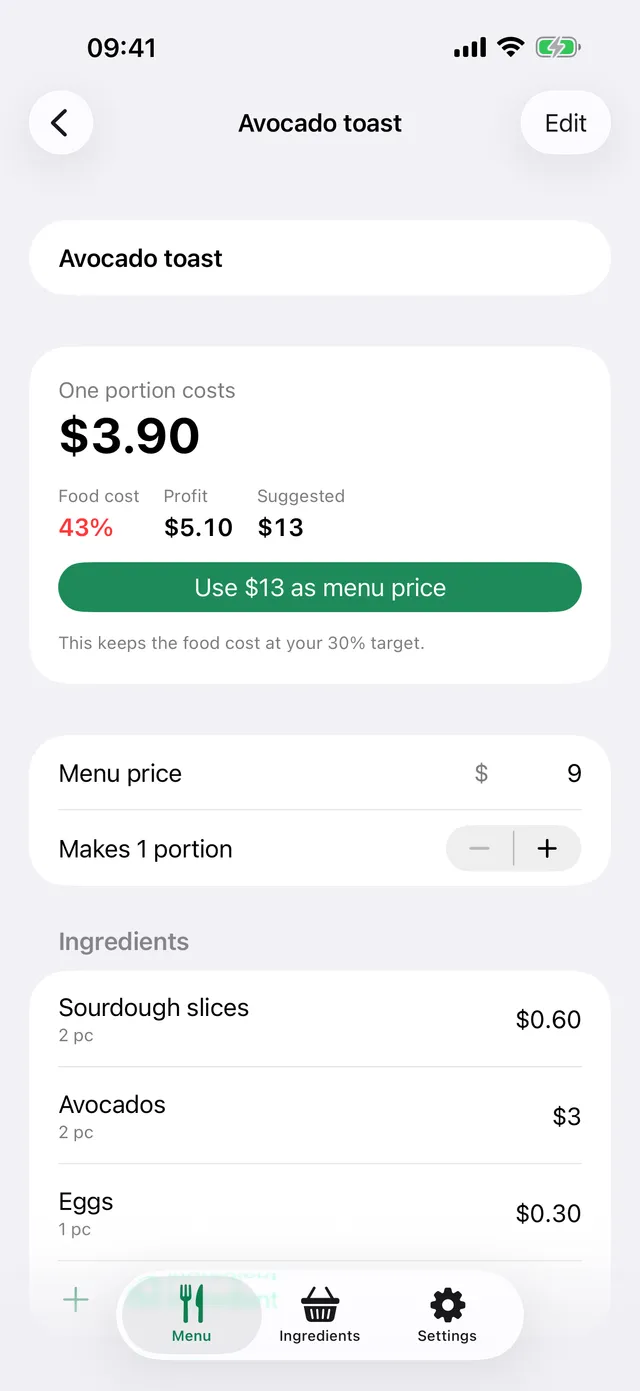
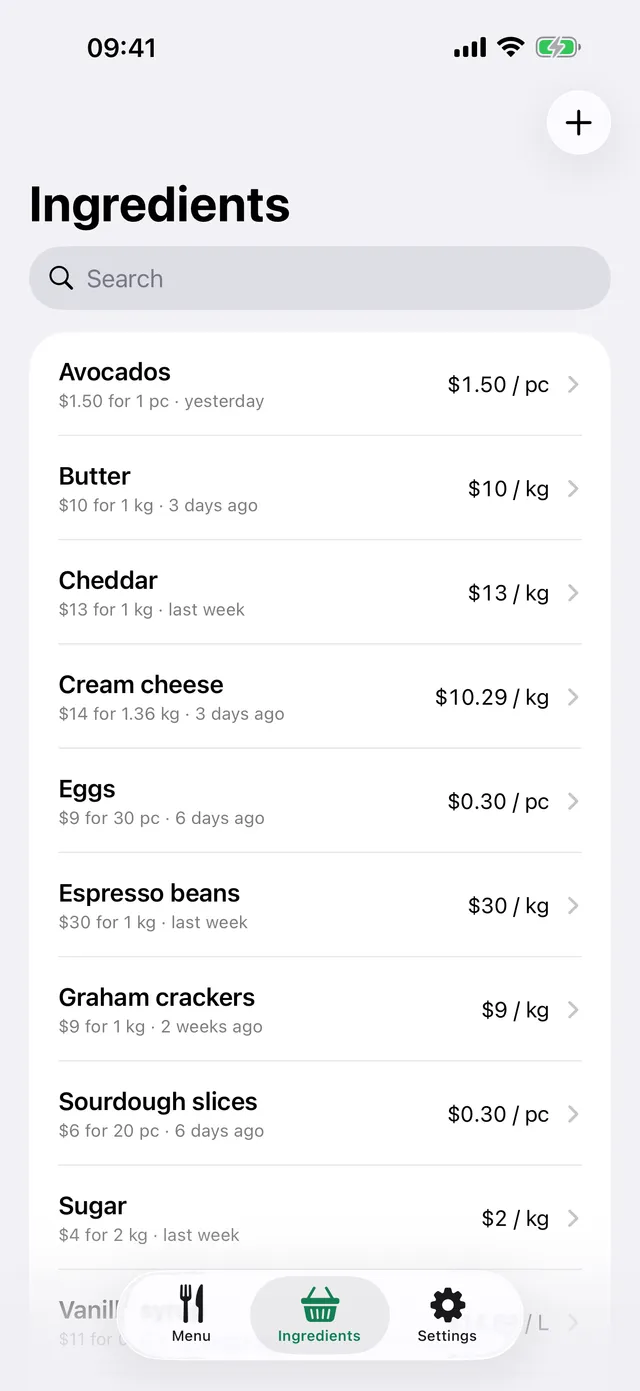
Add ingredients the way you buy them: a 25 kg sack, a 1 L carton, a tray of 30 eggs. Write recipes in grams or pieces and Costday converts the units.
Price with confidence
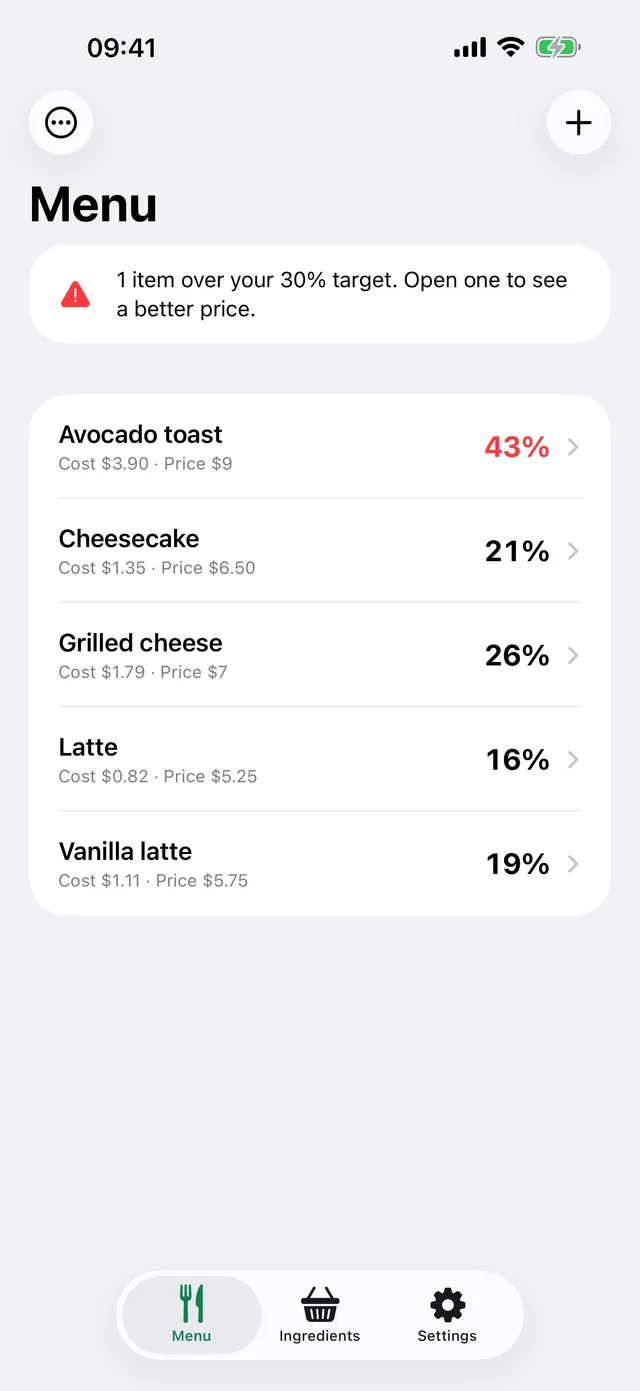
See food cost and profit for every item. Set your target, items above it turn red, and a suggested price is one tap away.
When prices go up
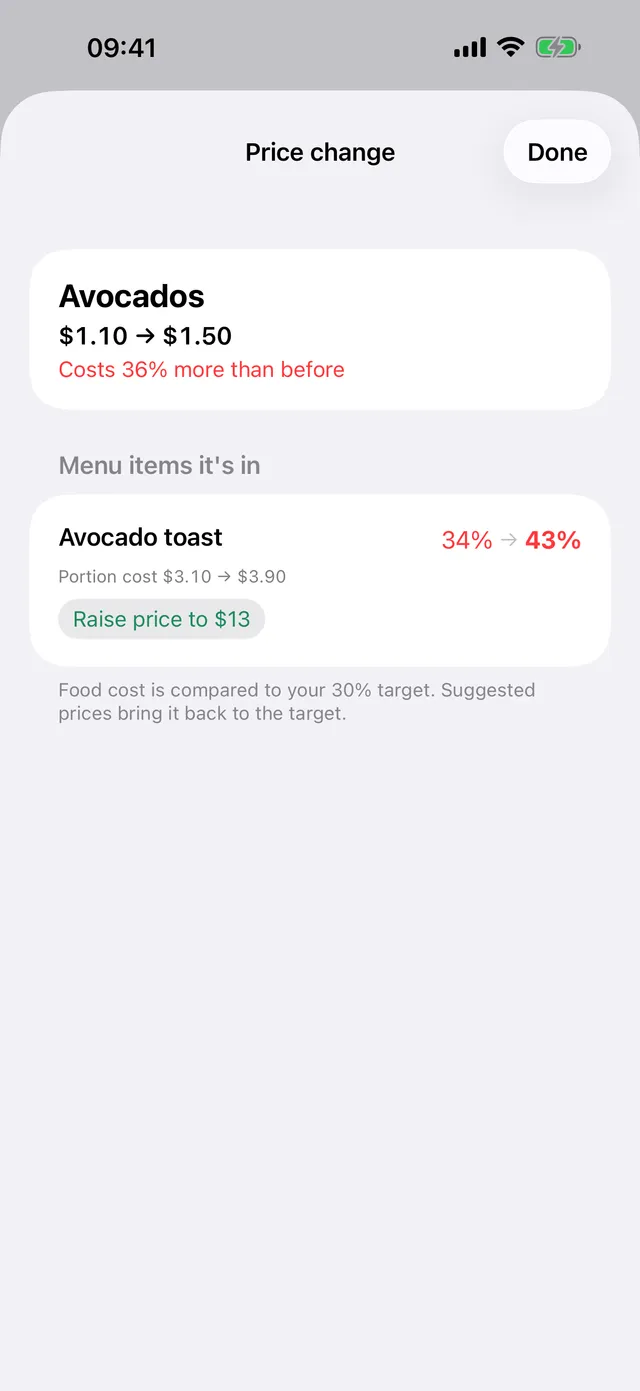
Save the new ingredient price and every menu item it hits is listed, food cost before and after. Raise prices only where you need to.
Waste counted in
Enter what is left after peeling, trimming and deboning as a usable percentage. Use 700 g out of a kilo and the cost follows.
Frequently asked questions
Where is my data stored?
Only on your device. Nothing is sent to a server and there is no account to create.
What does "Usable %" mean?
The part of an ingredient left after trimming, peeling or deboning. If you use 700 g out of 1 kg, enter 70% and costs follow.
How do I cancel my subscription?
On your iPhone, open Settings > Apple Account > Subscriptions, choose Costday Pro and cancel. Pro stays active until the end of the period you paid for.
I got a new phone. How do I get Pro back?
Open Costday > Settings > Restore purchases.
Contact us
Questions, ideas or a problem? Send us an email and we'll get back to you.
Ask an AI about Lumiasoft
The question is ready. Let the tool read the site and answer for itself.


