
Having AI build your mobile app: how far it actually goes
AI generates the mobile interface fast. Getting it into the store, signed, notified and updated is a separate engineering job: here's exactly where the line sits, against Apple's own review text.
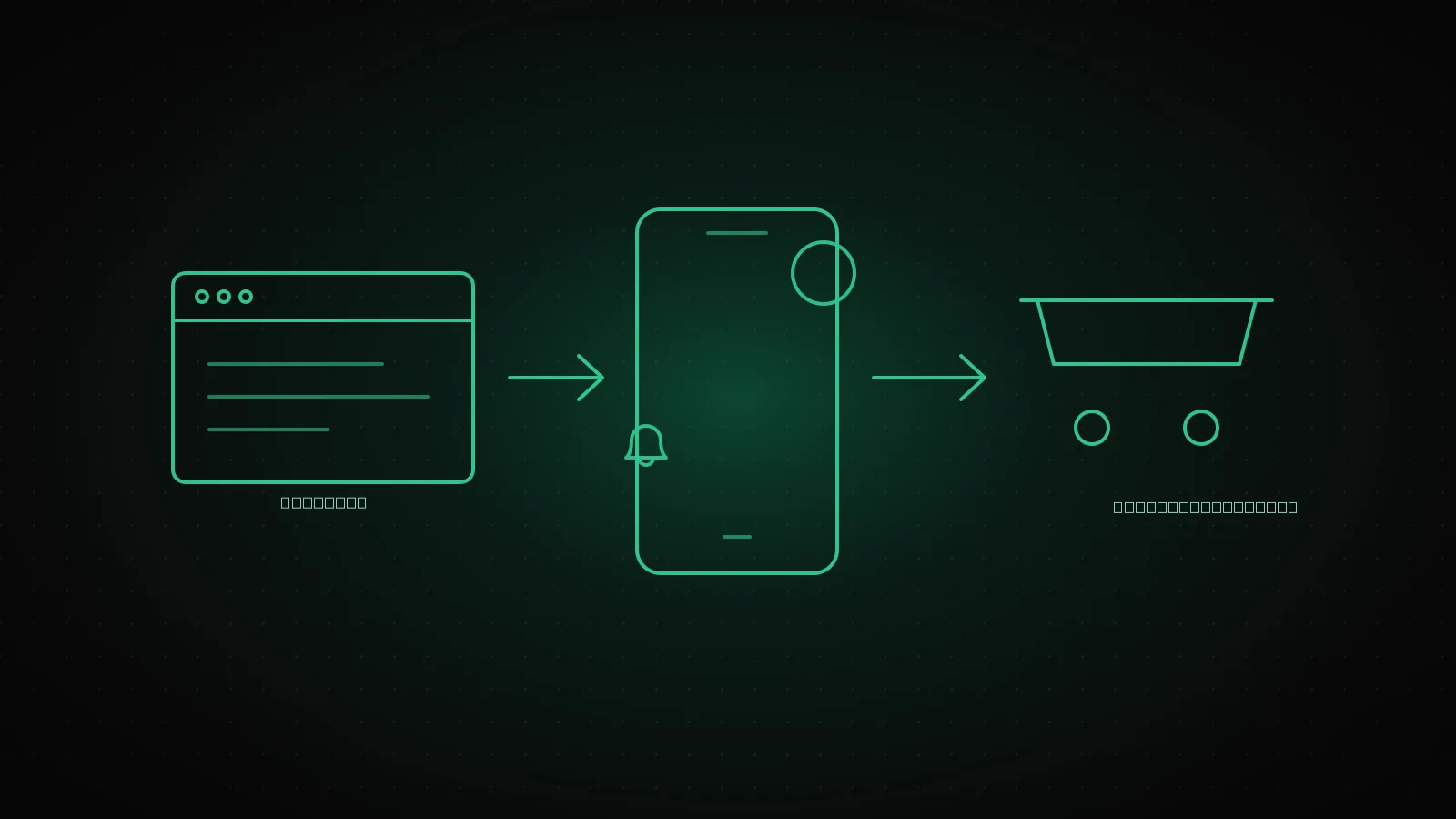
An AI tool can generate a real React Native and Expo project for a mobile app, not just a mockup. What it does not reliably produce is a version that clears store review, carries a valid signing certificate, sends a push notification to the right device, and can be safely updated without a new review. That gap is invisible in a browser, because a browser never asks for a signature or a store listing. It shows up the moment the app has to run on a phone.
Summary
AI genuinely produces the screens, navigation and most of the business logic on React Native and Expo. What it leaves for someone else: store review (Apple's own guideline text is more specific than most posts on this topic quote), signing and certificate lifecycle, push notifications and device permissions, and the exact boundary of what an OTA update can ship without a new review. All four, with the real mechanics, below.
What AI actually generates on mobile
Ask an AI tool to build a booking app and what comes back is usually a working React Native and Expo project, not an empty shell. Screens are wired through real navigation, forms hold real state, and API calls hit a real backend, most often Supabase or Firebase. At the prototype stage that turns weeks of scaffolding into a day.
The limit shows up just as fast once you look for it. Authentication usually stays in demo mode. Payment is a button that does not charge anything. Push notifications are never wired up. Store requirements (a privacy policy link, a data collection disclosure, an account deletion flow) get skipped entirely, because nothing in a local demo run ever asks for them.
Where a web prototype and a store app actually diverge
A page running in a browser and an app installed on a phone answer to different rules. A browser never asks anyone for a signature. A store app cannot ship without one. A web page updates the instant you redeploy it. A store app has to clear a review queue first, and that queue has opinions your local dev build never tested against.
Web prototype vs. store app
| Surface | Web prototype | Store app |
|---|---|---|
| Interface | Any browser, any screen size | Fixed device sizes, OS chrome, safe areas |
| Sign-in | Session cookie, no store rules | Must survive app kill, offline, OS-level biometrics |
| Payment | Any web checkout provider | In-app purchase rules apply for digital goods |
| Notifications | Browser push, opt-in banner | OS-level permission, device token registration |
| Distribution | Deploy, live in seconds | Signed build, store review, staged rollout |
The row that catches most first-time submitters off guard is distribution, which is exactly what the next section covers. It is also the one area with no shortcut: our mobile app development work exists specifically to own that last mile, store accounts included.
Why Apple's "templated app" clause applies to you
App Store Review Guidelines do not name AI tools directly, but three existing clauses cover exactly the failure mode an AI-generated app tends to hit: it looks like every other app the same tool produced.
Apple App Store Review Guidelines: the sections that matter here
4.2: Minimum Functionality
"If your app is not particularly useful, unique, or 'app-like,' it doesn't belong on the App Store."
4.2.6: Templated Apps
Apps "created from a commercialized template or app generation service will be rejected unless submitted directly by the provider of the app's content."
4.3(a): Multiple Bundle IDs
Do not ship near-identical apps under separate bundle IDs instead of one configurable app.
4.3(b): Indistinguishable Apps
Apps that read as interchangeable with what is already on the store get rejected on that basis alone.
None of this means an AI-assisted app is rejected on principle. It means the review risk is concentrated in one place: does the submission read as your product, submitted from your own developer account, with functionality specific to what you do, or does it read as one more instance of a generator's default output. The fix is not cosmetic. It is naming the product, owning the developer account, and shipping the features that make this app not swappable with the next one the same prompt would produce.
Signing and version management: the job is not done when the code is
Getting a build onto a phone at all requires a signature chain that a web deploy never touches. On iOS, EAS Build manages three credentials: a distribution certificate (one per Apple Developer account, tied to you rather than any one app), a provisioning profile (app-specific, expires after 12 months, though the expiry does not affect apps already live, since EAS regenerates it automatically on the next build), and push notification keys (up to two per account, and unlike certificates, these do not expire). On Android, EAS generates and stores the keystore, and most teams opt into Google Play App Signing, where Google holds the final signing key and the developer keeps an upload certificate instead.
The part that surprises teams coming from web: none of this belongs to the AI tool that generated the code, and none of it belongs to us as the agency either. It has to sit in developer accounts the app's owner controls, because losing that account later means losing the ability to ship an update to an app that is already live.
Push notifications and device permissions are their own engineering
A working notification needs three things to line up: a device token registered with Expo Notifications or a provider like OneSignal, an OS-level permission the user has to grant, and a state machine that tracks what happens when that permission is denied, revoked later, or the app is reinstalled on a new device. None of that exists in a demo build, because a demo never runs long enough for a token to go stale or a permission to get revoked mid-session.
The permission prompt itself is a UX decision with real conversion consequences: asking for notification access before explaining why loses opt-ins that a prompt shown after the user has done something notification-worthy usually keeps. An AI-generated screen flow rarely encodes that sequencing, because it has no data on when a real user is most likely to say yes.
What you can ship without a new store review
EAS Update ships JavaScript and asset changes over the air, without a new binary and without a new review queue. The boundary is exact, not a matter of degree.
EAS Update: what needs a new review, what does not
- JavaScript bug fixes
- Copy, translation and layout changes
- Image and asset swaps
- Gradual rollout to a user percentage
- Native dependency changes
- New device permissions
- Expo SDK version upgrades
- Any change to the app binary itself
Source: Expo's own EAS Update documentation.
When this path is not worth taking
If the product is a single screen with no login, no payment and no push, a store app is often the wrong container entirely, and a web app avoids this whole list of problems. If a dedicated mobile team already exists in-house, the value here is narrower: a focused review of the signing pipeline and the store submission, not a rebuild. And if the app leans on something the bridge handles poorly, like sustained background processing or deep hardware access, starting from an AI-generated React Native scaffold costs more time than starting native does.
From prototype to production: what stays, what gets rewritten
In the handovers we have done, the screens, the navigation and most of the API calls to the backend usually survive close to as written. What gets rebuilt every time is the same four things this piece walked through: authentication moved off demo mode, a real payment flow that matches store rules, push wired to actual device tokens, and a signing and update pipeline the owner controls independently of whoever wrote the first version. Ulassana, our mobility super-app built on this same React Native and Expo stack, went through exactly that path from a first working build to something carrying live rider traffic, with LumiCare covering what breaks after launch: expiring certificates, SDK bumps, and the store re-reviews that never really stop.
FAQ
Can you take over a React Native or Expo app someone else built with AI?
Yes. We read the code first and tell you what survives versus what gets rebuilt, the same way our finishing AI-built projects process works for web handovers.
Do you submit to the App Store and Google Play at the same time?
Usually in parallel once both builds are signed, but Apple's review queue and Google's are independent and move at their own pace, so the two rarely go live on the exact same day.
Does an OTA update remove the need for store review entirely?
No. It removes it only for JavaScript, asset and copy changes. Anything touching native code, permissions or the SDK version still needs a full build and a new review.
Can we keep our existing Supabase or Firebase backend?
In most handovers, yes. The backend and the mobile client are separate systems; if the schema and access rules hold up, the mobile side gets fixed without touching the backend, and our pre-launch security checklist for AI-written apps is a fast way to check whether that backend is actually ready to keep.
If someone denies notification permission, does the app keep working?
It has to. A denied permission is a state the app needs to handle explicitly, not an edge case: the app keeps its core functionality and simply never registers a device token.