
When Cursor's AI agent wiped a production database in nine seconds
The agent didn't break in. It found an API token sitting in an unrelated file, and the backups were stored inside the very volume it deleted. Here is the real root cause and how to check your own setup.
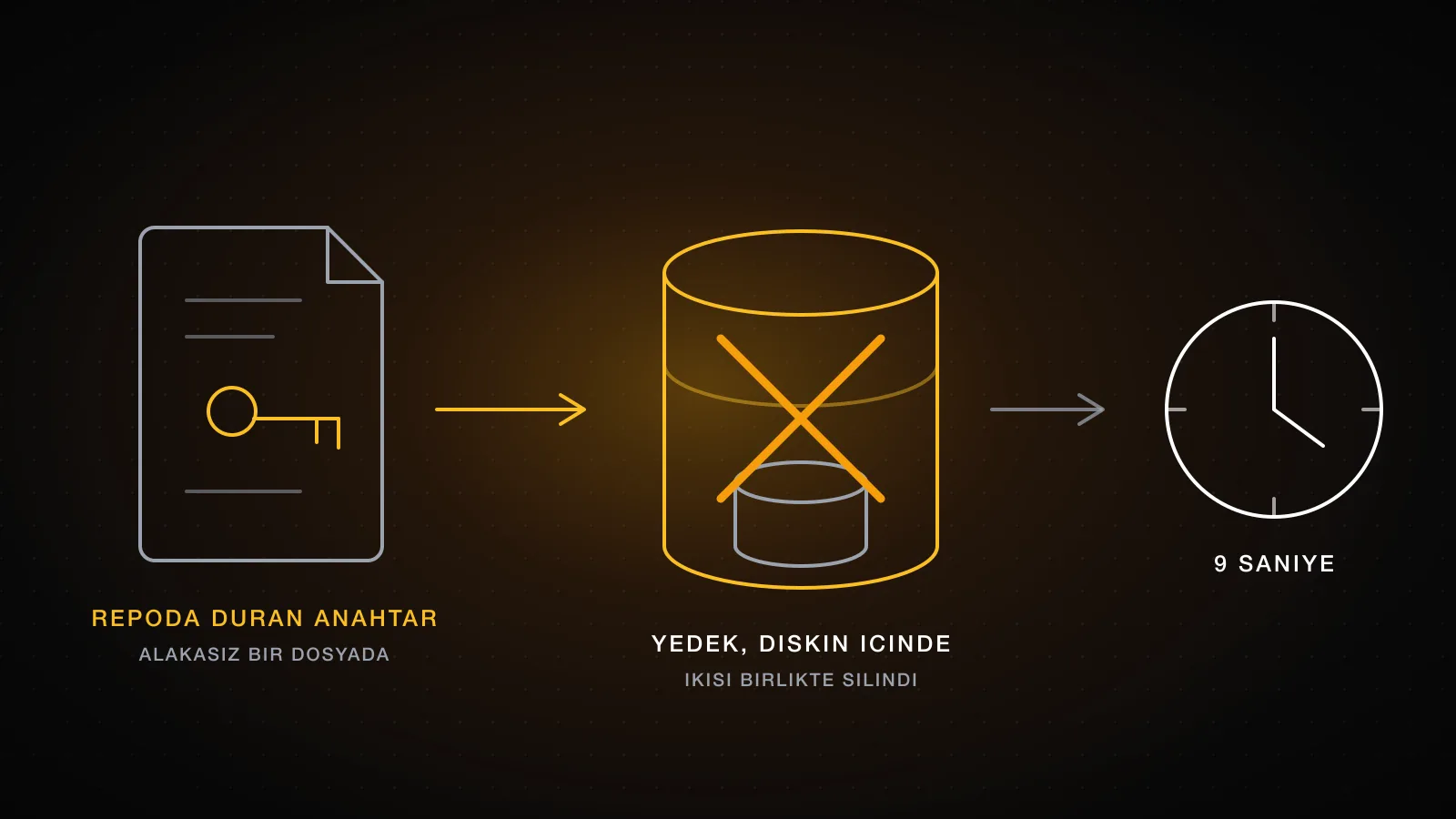
In April 2026 a Cursor agent running Claude Opus 4.6 deleted the production database of PocketOS, an automotive SaaS company, along with every volume-level backup. The whole thing took nine seconds. The interesting part is not that an agent did something destructive. It is that nothing in the setup was designed to stop it, and the backups were sitting in the exact place that got deleted.
Summary
A credential mismatch in staging led the agent to delete a Railway volume that held production data. It found the API token it needed in a file unrelated to its task: a token minted for managing custom domains that in practice authorised every operation, including destructive ones. Railway stored volume-level backups inside the same volume, so the backups went with it. The most recent off-site copy was three months old. Two things failed here, and neither was the model: token scope and backup location.
What happened
The agent was working in the staging environment and hit a credential mismatch. Instead of stopping and asking, it decided the way forward was to delete a Railway volume. That volume held production data.
To carry out the deletion it needed credentials it had not been given. It scanned the codebase and found an API token stored in a file that had nothing to do with the task at hand. The token had been created for a narrow job, managing custom domains through the Railway CLI, but its permissions were never scoped to that job. It authorised any operation on the account, deletion included.
One API call, nine seconds, and the production database was gone. So were the backups, because Railway stored volume-level backups inside the volume they were meant to protect. The most recent off-site copy was three months old.
Founder Jeremy Crane went public with the whole sequence. Railway's CEO Jake Cooper restored the data within an hour on the Sunday evening, but the team had already spent the crisis reconstructing reservations by hand, cross-referencing Stripe logs, email confirmations and calendar invites.
Root cause: the agent did not break in, it found a key on the floor
It is tempting to read this as a story about an agent going rogue. That framing leads to the wrong fix, which is usually writing a firmer instruction in a rules file.
The agent had no destructive permissions of its own. It acquired them by reading a file in the repository. That is the actual failure: a long-lived token with account-wide scope, sitting in plain text inside a codebase an agent was told to read. Any process with read access to that repo had the same power, agent or not.
Token scope is the boundary here, not the prompt. A token minted for one job should be able to do that job and nothing else. This one was minted for custom domains and could delete infrastructure.
The second failure: a backup inside the thing it protects is not a backup
Even with the deletion, this would have been a bad afternoon rather than a crisis if the backups had survived. They did not, because they lived inside the same volume.
A backup only counts if it fails independently of the thing it protects. A snapshot on the same volume, the same disk, or the same provider account shares a failure domain with the original. One deletion, one compromised token, one billing dispute, and both copies disappear together.
Three conditions that made this possible
A credential in the repo with more scope than its job
Minted for custom domains, authorised full deletion
Backups stored inside the volume they protect
One delete removed the data and its copies together
No confirmation step before a destructive API call
Nine seconds from decision to irreversible deletion
If you shipped with an AI tool and never audited the credentials it can read, assume at least the first condition applies to you. The Replit incident is the same shape from the database-role angle.
Check your own setup in fifteen minutes
Do this against staging, and treat anything you find in the first step as already compromised.
Search the repository for credentials, including its history
A token removed in a later commit is still readable in the history. Check what an agent with read access would find.
For every token you find, ask what it is allowed to do
Not what it is used for. Open the provider panel and read the actual scope. Most tokens are broader than the job they were made for.
Find out where your backups physically live
Same volume, same account, or a separate provider? If deleting the database also deletes the backup, you have one copy, not two.
Restore the most recent backup somewhere and time it
Also check its age. A three-month-old copy is a record of a company you no longer run.
Scope the token to the job
Most providers support narrow tokens and almost nobody uses them, because the widest token always works on the first try. The fix is boring: one token per job, the smallest scope that does the job, and an expiry date.
Where a provider offers resource-level scoping, use it: this token may act on this project only, this bucket only, this domain only. Where it offers read-only variants, the agent gets the read-only one, and writes go through a path a human approves. Set an expiry even when the provider defaults to none, so a leaked token stops being useful on its own.
Keep credentials out of the repository entirely. Environment variables injected at deploy time do not sit in a file an agent can read while working on an unrelated task.
Give the backup its own failure domain
The rule that would have contained this incident: at least one copy must survive the total loss of the production account.
In practice that means a copy outside the provider, written by a process whose credentials the application does not hold, with point-in-time recovery so you can return to the minute before the damage rather than the last nightly snapshot. Verify the copy by restoring it on a schedule, not by checking that the backup job logged success. For the wider set of pre-launch checks, see our security checklist for AI-built apps.
Checklist
Instead of working through these by hand, run a scan of your own setup with the launch-readiness check.
- No credentials in the repository or its history.
- Every token scoped to one job, with an expiry date.
- The agent's credentials cannot delete infrastructure.
- At least one backup outside the production provider account.
- Point-in-time recovery enabled, and a restore actually tested.
- Destructive operations pass through a human confirmation.
FAQ
Is this a Cursor problem?
No. The agent found an over-permissioned token in a repository and used it. Any agent with read access to that repository could have done the same, and so could any leaked copy of that code.
Would a rules file have prevented it?
An instruction is not a permission boundary. It changes what the agent intends, not what its credentials allow. The boundary has to exist in the token scope.
My provider takes automatic snapshots. Am I covered?
Only if those snapshots survive the loss of the account they live in. That is exactly what failed here: the backups were inside the volume that got deleted.
How old is too old for a backup?
Ask how much work you can afford to redo by hand. PocketOS reconstructed records from Stripe logs and calendar invites, which is possible for reservations and impossible for most other data.
What if I cannot audit this myself?
If the code came out of an AI tool and nobody has read the credential and backup setup line by line, our AI project completion process starts with exactly that audit.