
Costday
Recipe costing & menu pricing
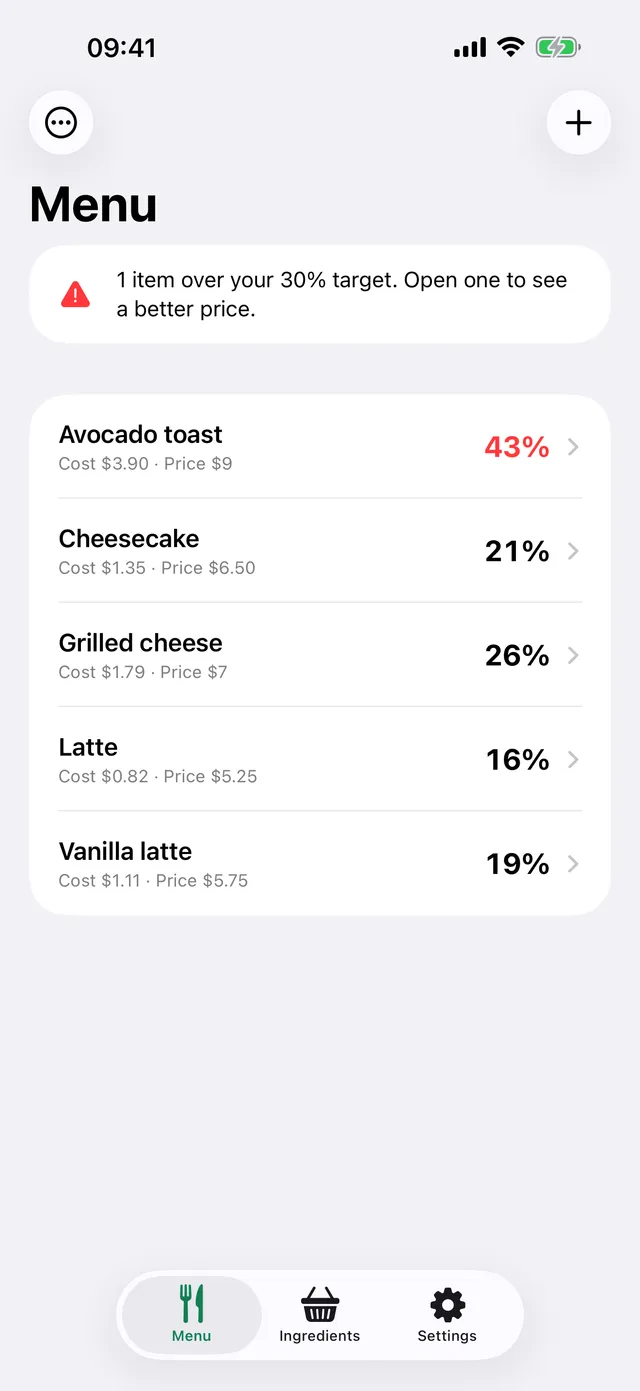
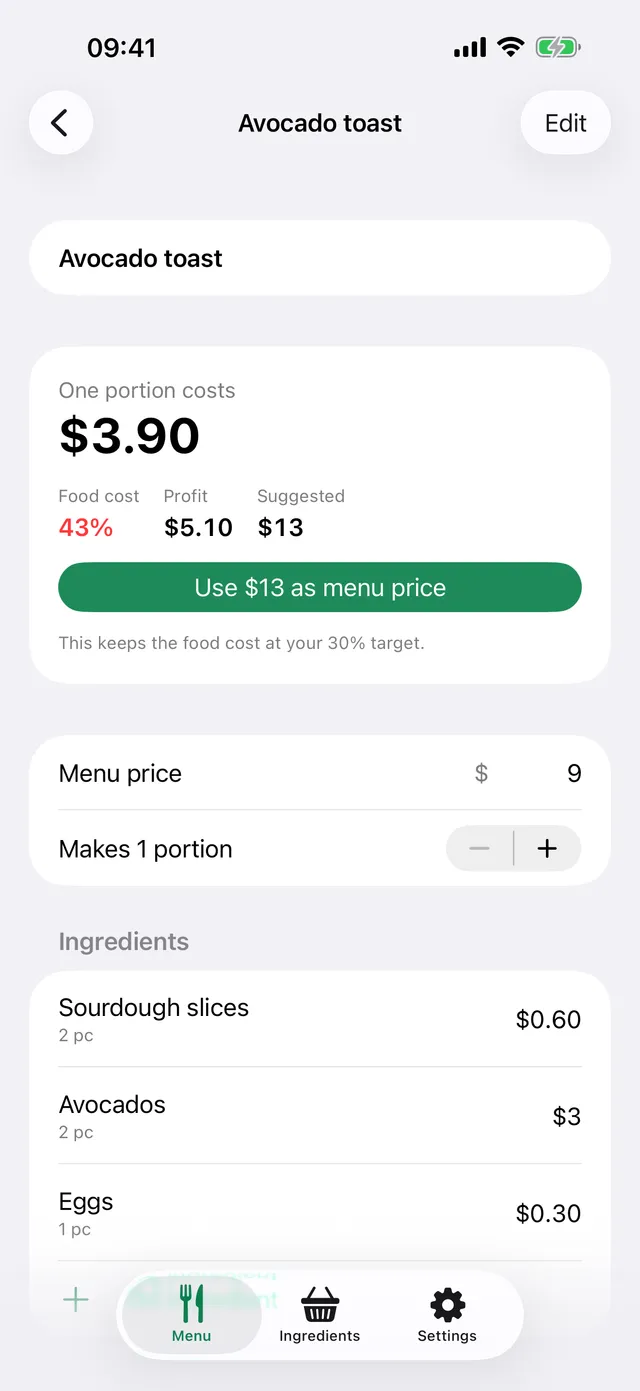
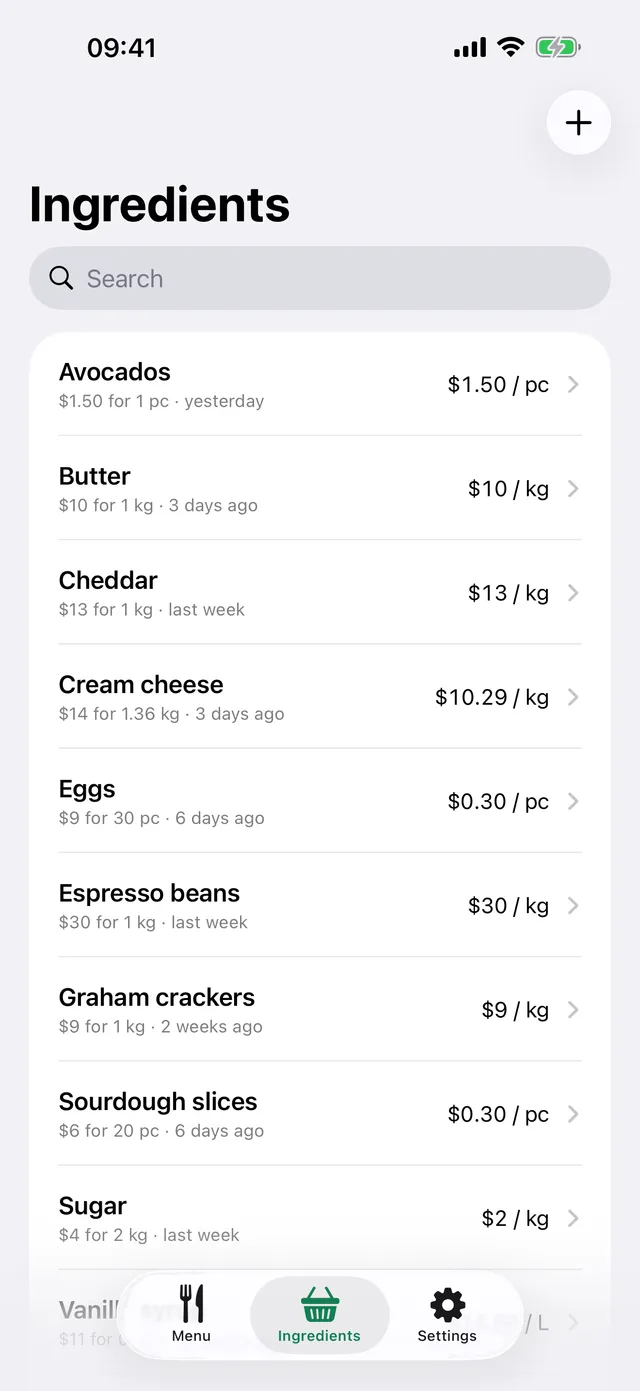
Enter what you pay for each ingredient and how much of it goes into each recipe. Costday works out the cost per portion, food cost percentage and profit of every item, and suggests a menu price for your target.
What it does
Costday doesn't collect any personal data. Everything you enter stays on your device.
Privacy policyFree
Every calculation is free for up to 5 menu items.
Costday Pro
Costday Pro adds unlimited items and a spreadsheet report of your whole menu.
FAQ
Where is my data stored?
Only on your device. Nothing is sent to a server and there is no account to create.
What does "Usable %" mean?
The part of an ingredient left after trimming, peeling or deboning. If you use 700 g out of 1 kg, enter 70% and costs follow.
My menu prices include VAT. What should I do?
Enter the rate under Settings > Tax included in menu prices. Food cost is then compared to the price without tax.
What happens when a supplier raises a price?
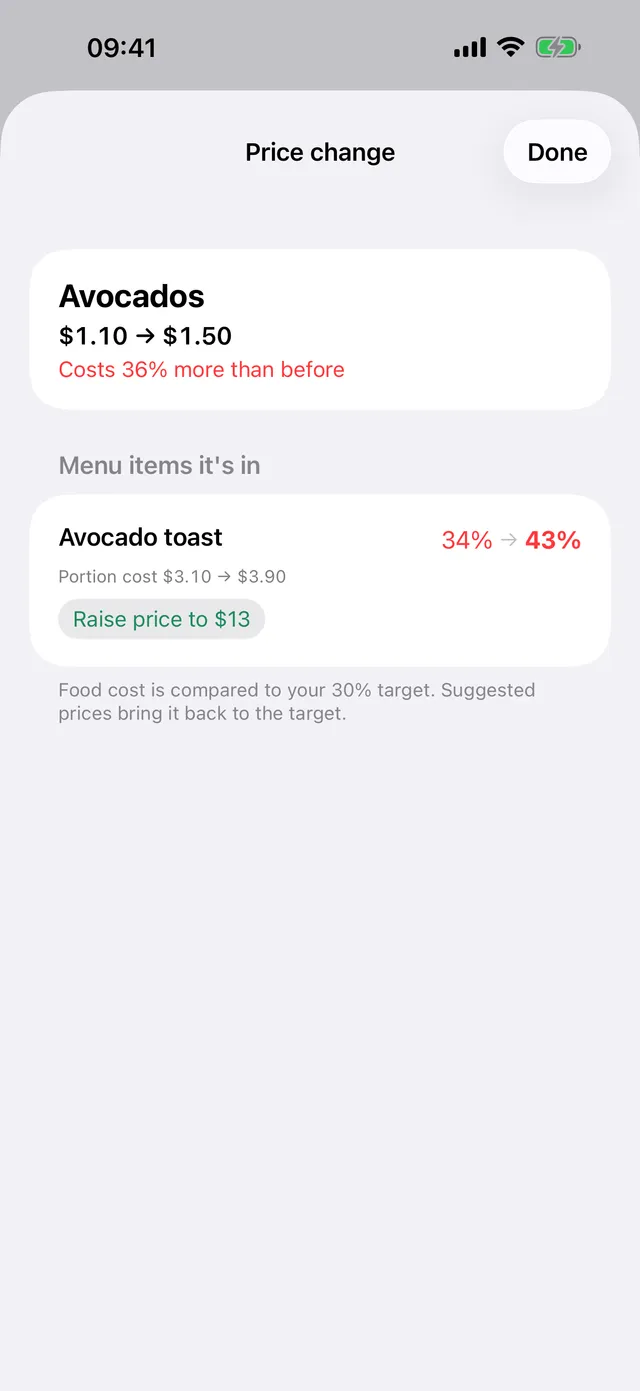
When you save the new price, the old one goes into the price history and Costday lists the items that use it. The most affected item comes first, with its new food cost and a suggested price.
What's free and what's Pro?
Every calculation is free for up to 5 menu items. Costday Pro adds unlimited items and a spreadsheet report with the cost, price and suggested price of every item.
How do I cancel my subscription?
On your iPhone, open Settings > Apple Account > Subscriptions, choose Costday Pro and cancel. Pro stays active until the end of the period you paid for.
I got a new phone. How do I get Pro back?
Open Costday > Settings > Restore purchases.
Contact us
Questions, ideas or a problem? Send us an email and we'll get back to you.
hello@lumiasoft.comMade by Lumiasoft